
Workflow Setting Stop On Response & Call Action Disable Voicemail Detect
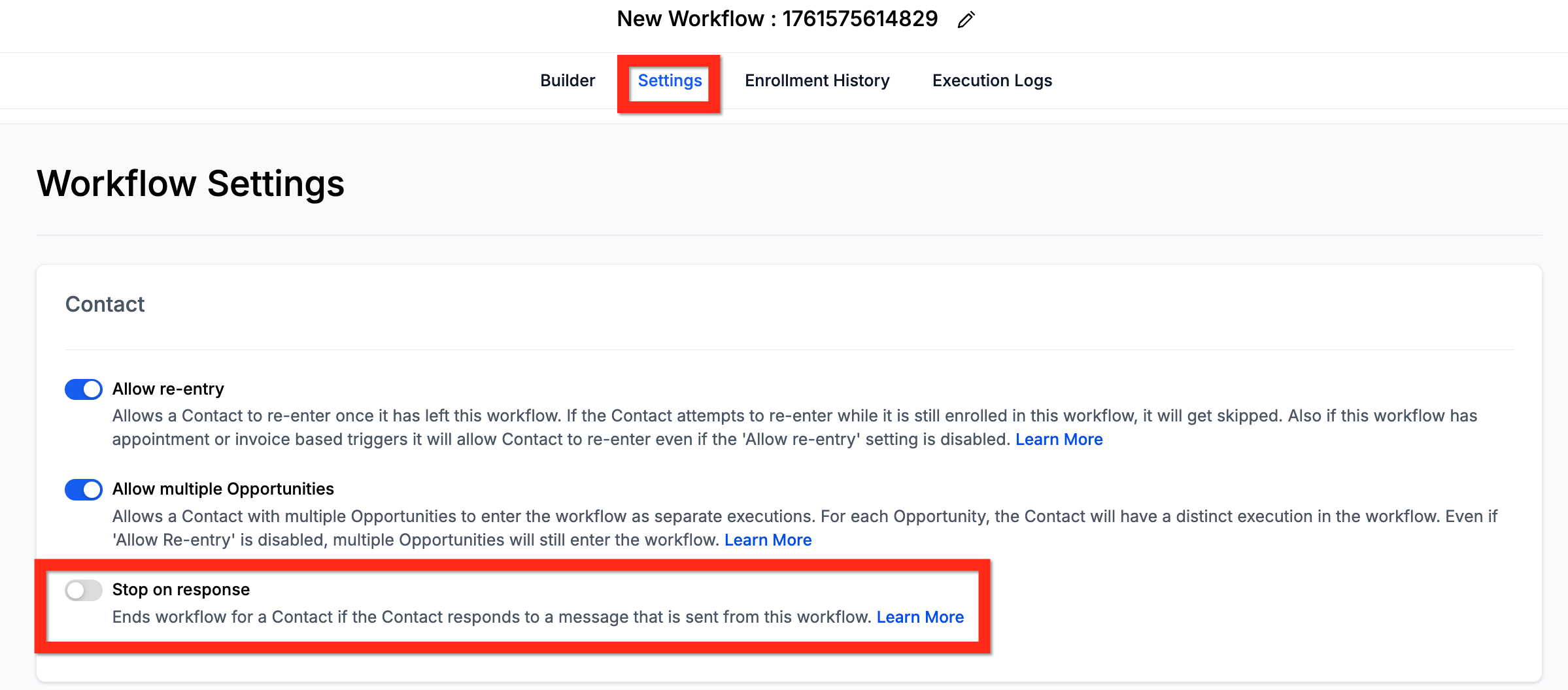
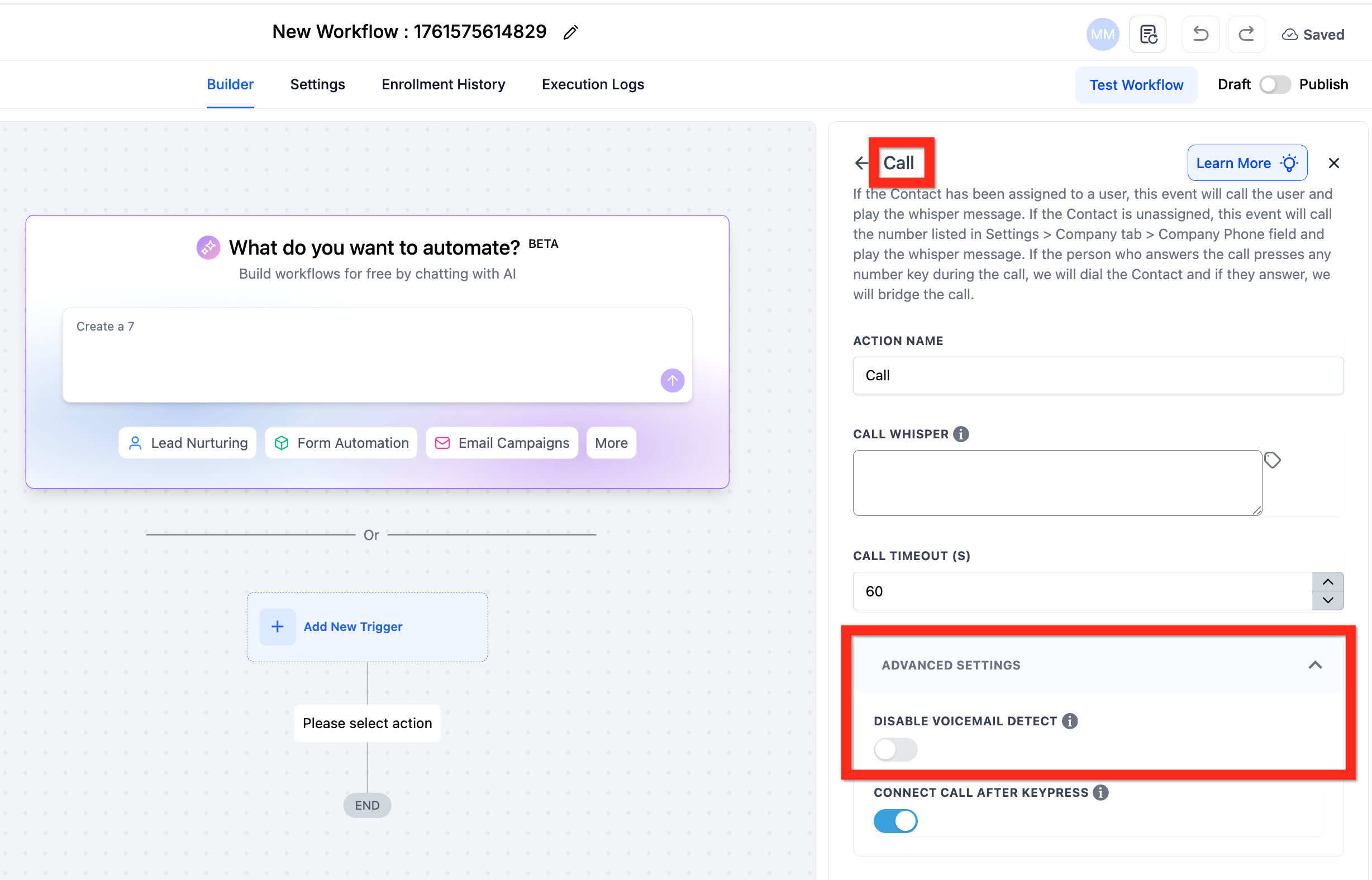
This article explains the important interaction between the workflow’s “Stop on Response” setting and the “Disable Voicemail Detect” setting within the Call action. These two settings control how your workflow reacts when an automated phone call is made to a contact. They allow you to decide whether the workflow should prioritize accuracy by distinguishing a human from a voicemail, or prioritize speed for faster call connections. The main Workflow Settings - Overview article is here. Note that what the Business does in the Call action is irrelevant to Stop on Response. The Business will be called first; if the Business doesn’t answer, the workflow will continue, if the Business does answer, and the Contact then doesn’t answer, the workflow will continue. Only the Contact (or the Contact’s voicemail) is relevant to Stop on Response. * * * ## Stop on Response This is a general setting for your entire workflow. When enabled, it automatically removes a contact from the workflow if they respond to any communication sent from it, including SMS, emails, or calls. This prevents you from sending more automated messages to a lead who is already engaged.!(https://assets.patientcopilot.ai/2f4e89de8ca7174d.png) * * * ## Disable Voicemail Detect This is an advanced setting found specifically within the “Call” action. Its job is to control whether the system attempts to identify if a call was answered by a person or an answering machine.!(https://assets.patientcopilot.ai/d6b976de928847ac.png) * * * ## Combinations Understanding how to configure these settings depends on your goal. Do you want to ensure the workflow never stops for a voicemail, or do you want the fastest possible call connection time?
| Stop On Response is | Disable Voicemail Detect is | Therefore |
| ON | ON | The workflow will stop if the contact’s voicemail answers. Set the call timeout to less than 20 seconds to ensure the call will not go to voicemail. |
| ON | OFF | The workflow will detect voicemail, so calls that go to voicemail will not activate Stop On Response, the contact will continue in the workflow. |
| OFF | OFF | The workflow will continue regardless of contact responses or voicemail. This will be a little slower since voicemail detection is enabled by default. |
| OFF | ON | The workflow will continue regardless of contact responses or voicemail. This will be a little faster since voicemail detect is disabled. |