Requesting an Official Business Account: WhatsApp Blue Tick
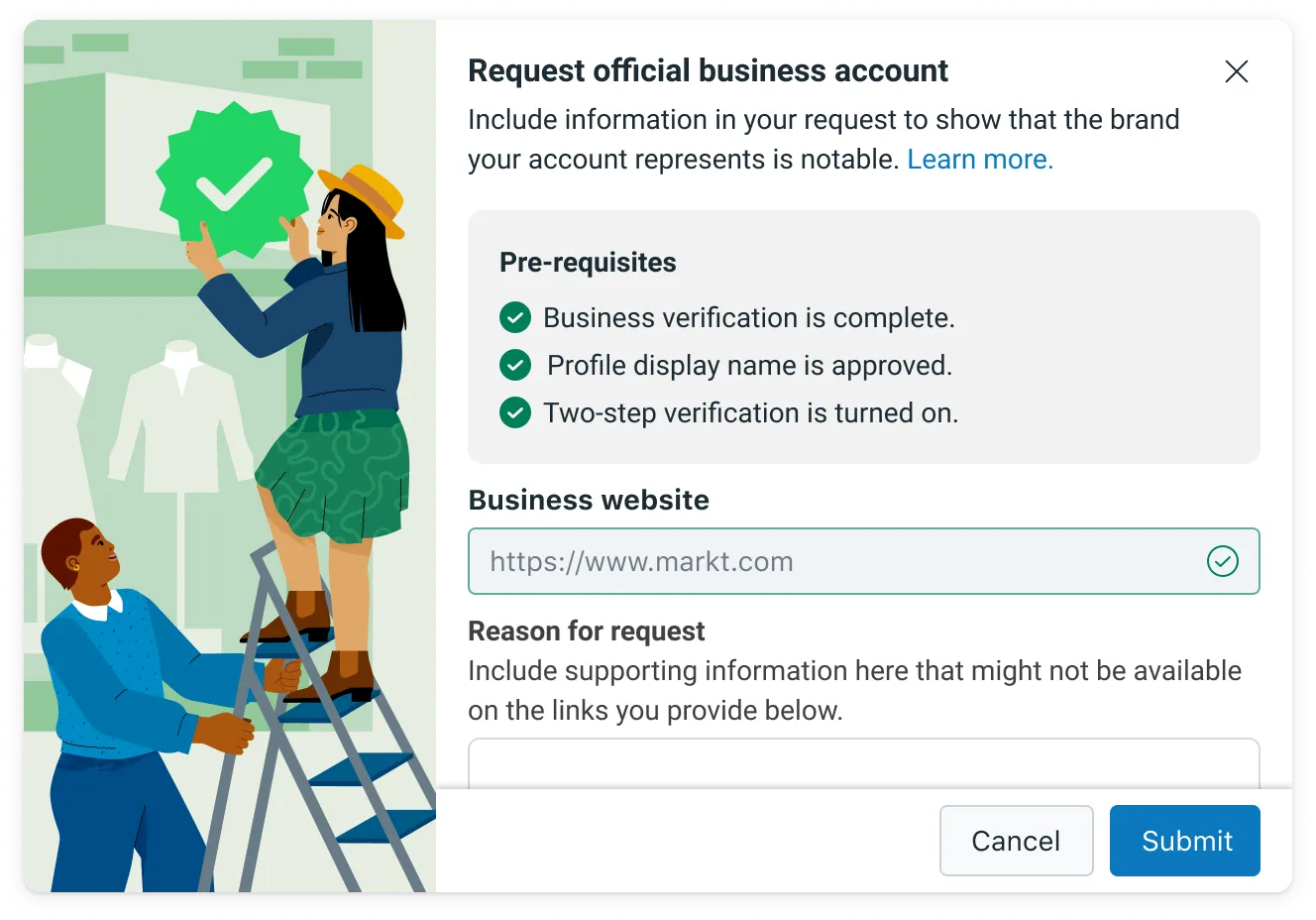
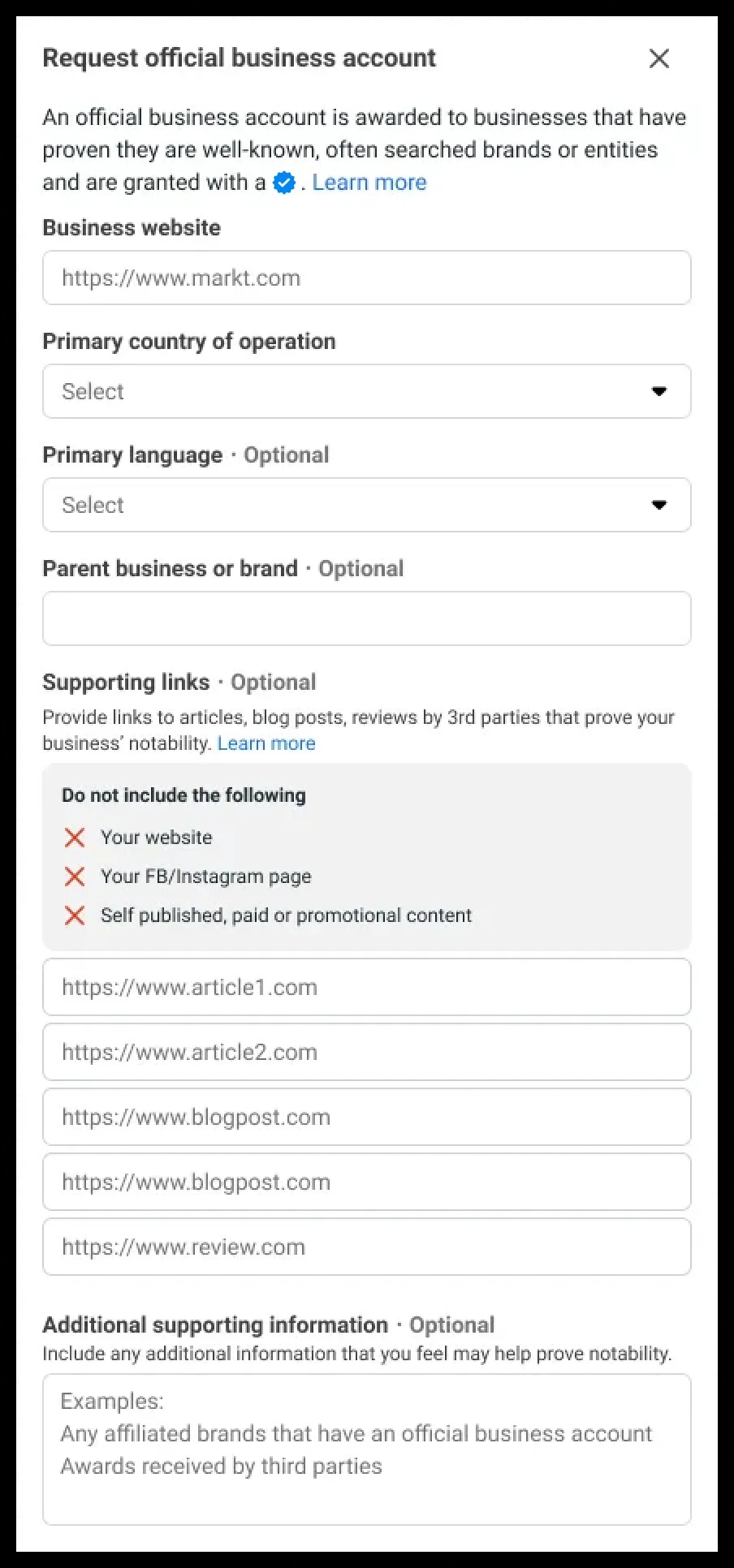
Requesting an Official Business Account Follow these instructions to request an official business account:!(https://assets.patientcopilot.ai/9d504cd7e3617fb2.png) - Access WhatsApp Manager from your Business Manager. Click on the phone number for which you want to request OBA within the Overview section - Turn on 2 step verification for this phone number to apply for OBA. Please note your Business Verification and Display Name approval needs to be complete before applying for OBA - If you have not set up two-factor verification for the phone number you want verified, follow the instructions in Two-Step Verification to enable it - If you have not completed Business Verification, see Verify Your Business for more information - Click on Submit Request Button and fill out the required information. - You can submit up to 5 supporting links especially from renowned publications (e.g., India Today, Economic times, Wall Street Journal, Reuters, Wikipedia, Business Insider) to show that the business is notable, which helps us determine notability. - Fields like Country(s) of operation, parent business or brand (esp. if it is a well known brand) and Primary language helps us to further understand your brand and eligibility for OBA.!(https://assets.patientcopilot.ai/341d9051b6249a45.jpg) Once we’ve reviewed your request, you will receive a notification letting you know if your account has been granted OBA or not. If your request is rejected, you can submit a new request after 30 days. We do not grant Official Business Accounts to business employees, test accounts, and Business App accounts. Official Business Accounts are only available to WhatsApp Business Platform users at this time since accounts on the Business App do not go through Business Verification. ### Understanding Notability Notability requires a business to represent a well-known, often searched brand or entity. This should not be taken as a signal of the authenticity of the business. Notability, on the other hand, reflects substantial presence in online news articles. Notability is assessed based on an account’s presence in news articles from publications with sizable audiences. We do not consider paid or promotional content as sources for review, including business or app listings. Official business accounts are issued at the phone number and display name level. We assess notability for the Display Name of the business account that is requesting OBA status —If the display name is changed after receiving the OBA status, we will need to re-assess the new display name for notability and display name compliance. Additionally, previous OBA approvals within a Whatsapp Business Account do not guarantee approval for other numbers (with different display names) associated with that account. If your WABA contains one main parent brand and the phone number associated with that brand meets notability requirements, we suggest updating the display names for the child brands as follows: ‘{{sub-brand name}} by {{notable name}}’. ### Denied Requests If your OBA request has been denied, it means our team has carefully reviewed your account, and unfortunately, your account is not eligible for the OBA status at this time. Currently, these decisions cannot be appealed. Businesses can continue to grow their presence and wait 30 days before submitting another Official Business Account request. It may take time to build the business’s presence in news articles as described above. In the meantime, this decision does not limit your ability to share your business details. Each phone number also has a business profile which includes the profile picture, email, website, and business description. These are fields that you can edit at any time. We hope you continue to connect with and grow your customer reach on WhatsApp. ## Types of Business Accounts There are two types of WhatsApp Business Accounts: | Name | Description |
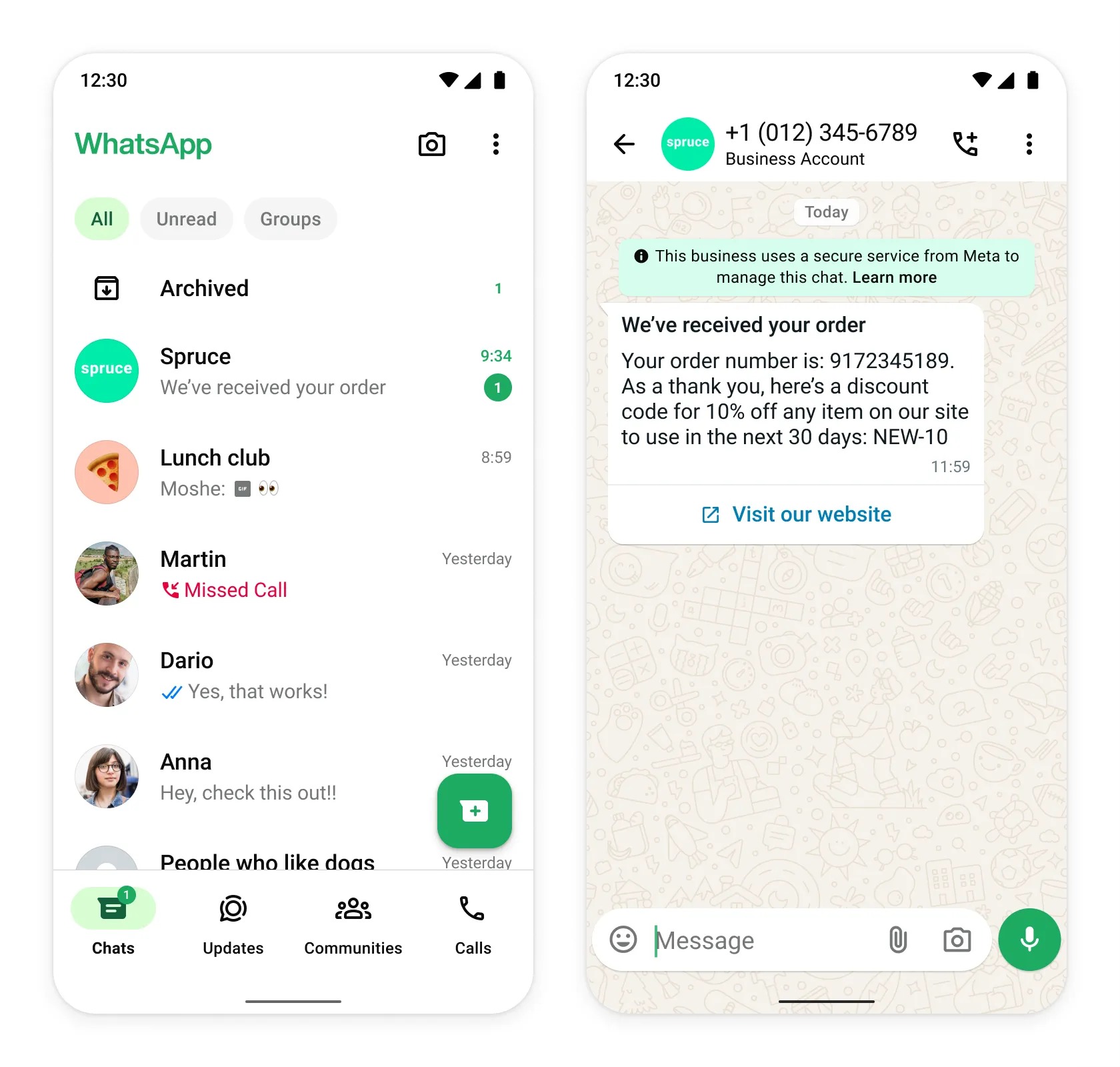
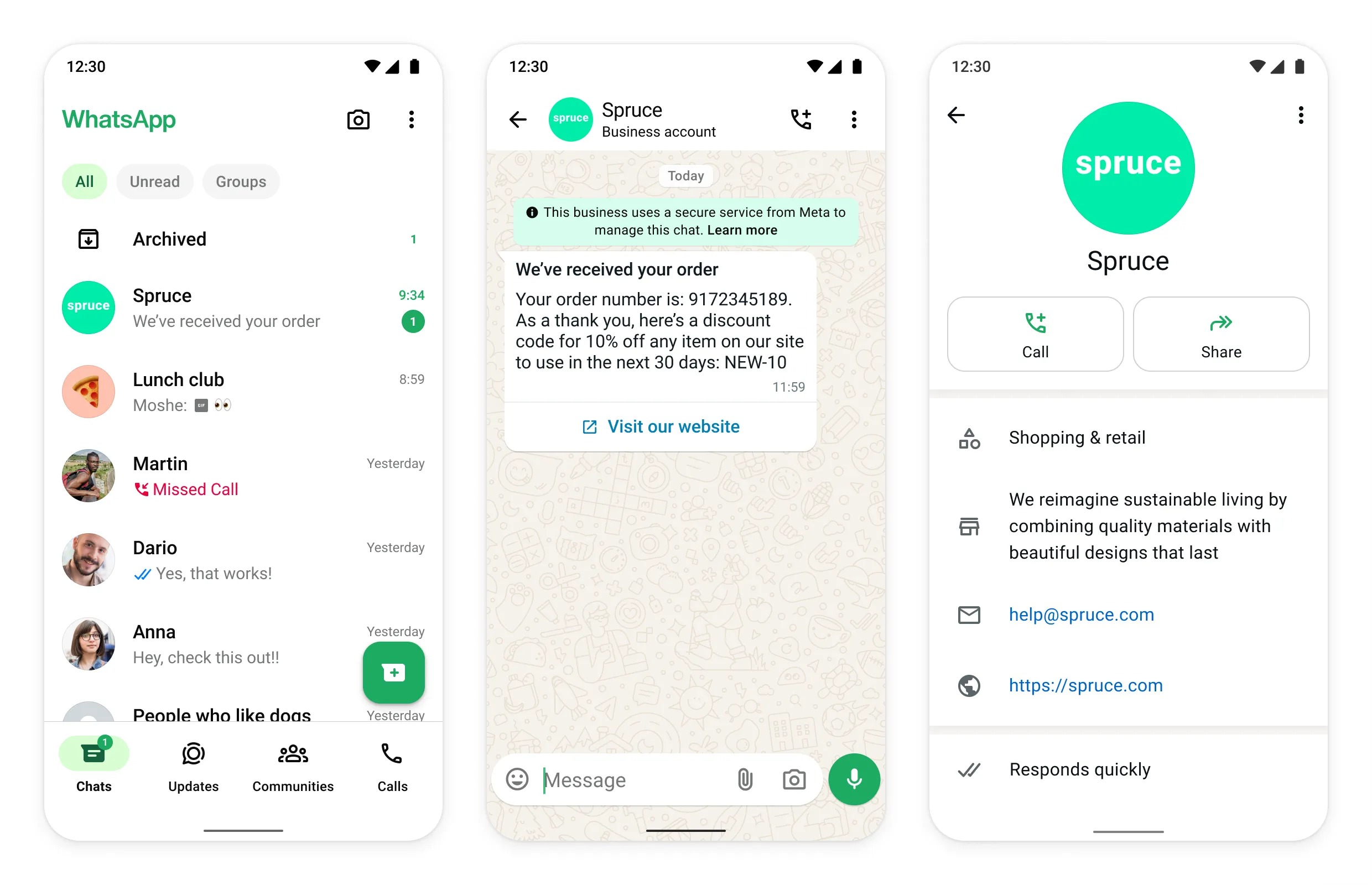
| --- | --- | | Business Account | By default, any account using the WhatsApp Business Platform or WhatsApp Business App is a business account. WhatsApp verifies authenticity of a brand for every account on the WhatsApp Business Platform. If the account has completed Business Verification, the name of the business is visible even if the user hasn’t added the business to their address book. | | Official Business Account | An official business account has a blue checkmark badge in its profile and chat thread headers. See Official Business Account for more information. | ## Business Account If your WhatsApp account is a business account, the display name is only shown in the contacts view in smaller text; all other views will show the phone number (unless the account is Business verified, in which case the business display name will be visible, see Business Verification). You can help customers learn more about your company by filling out your business info, including business website, address, and hours.!(https://assets.patientcopilot.ai/8d11734ee0ed9f7c.jpg) ### Business Verification Businesses can start messaging customers immediately. They only need to complete Business Verification when they’re ready to scale marketing, utility, and authentication conversations, to request to become an Official Business Account, or to get their business phone number’s display name to appear in the WhatsApp client. For more information, see Start Messaging Customers on WhatsApp Business Platform.!(https://assets.patientcopilot.ai/9f0ef14151d06087.jpg) Was this article helpful? That’s Great! Thank you for your feedback Sorry! We couldn’t be helpful Thank you for your feedback Feedback sent We appreciate your effort and will try to fix the article