
Attachments in Estimates and Invoices
You can now attach up to 10 files (with a 20MB total size limit) directly to your estimates, invoices, recurring invoices, and estimate templates. This new feature allows you to include supporting documents like specifications, terms, or visuals—helping you deliver a more professional and informative package right from the start. Read on to learn how to use attachments and make your client communication more seamless. ## What’s New? - Users can now attach up to 10 files to an estimate which will go along with the email.
- Total file size limit is 20MB per estimate.
- Attachments provide flexibility to include additional documents like specifications, terms, or visual materials. ## Feature is available in: - Invoices
- Recurring Invoices
- Estimates
- Estimate Templates ## How to Use? - Go to the Estimates section under the Payments tab.
- When creating or editing an estimate, look for the attachment icon.
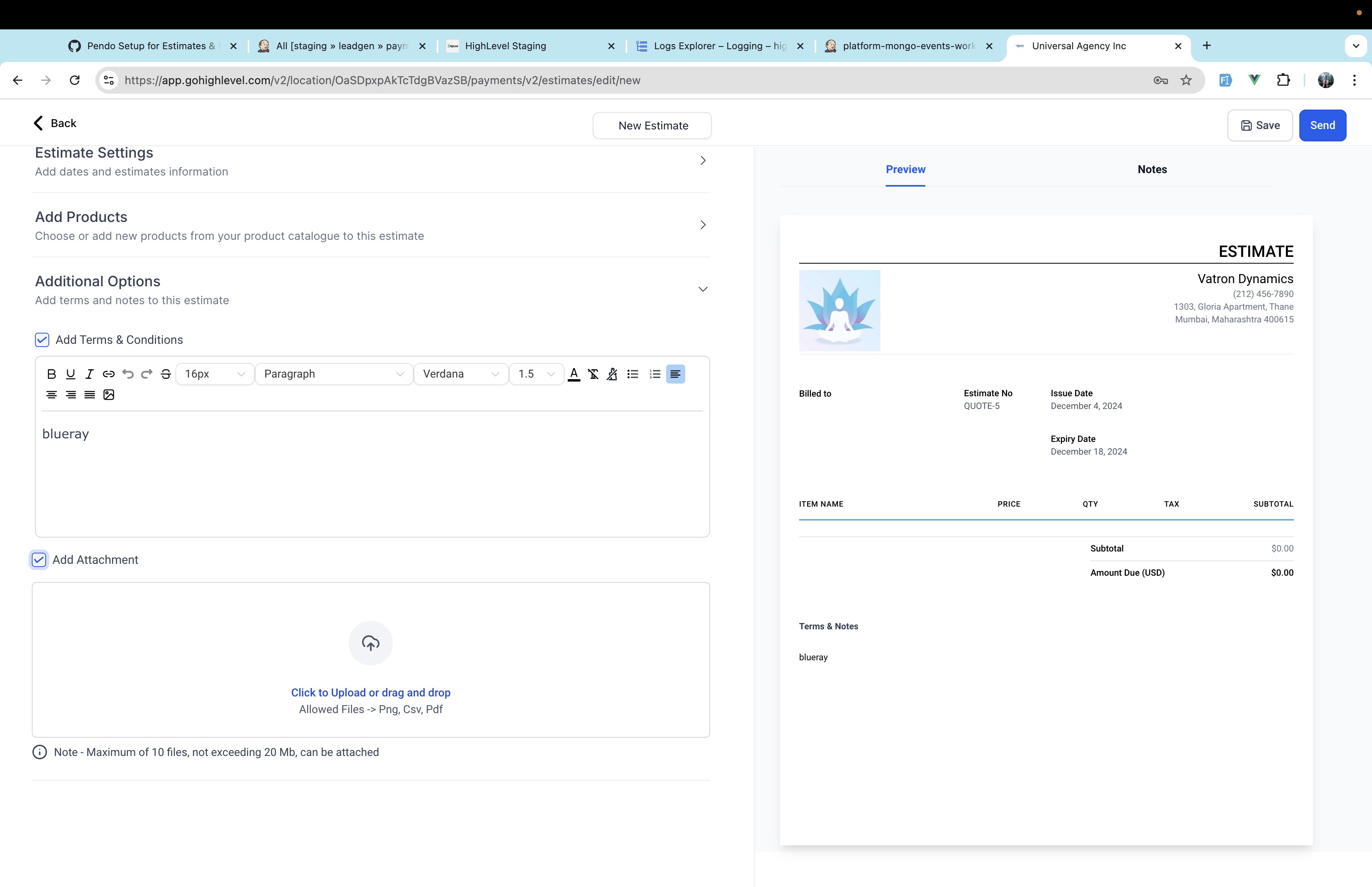 - Click the icon to upload files from your device.
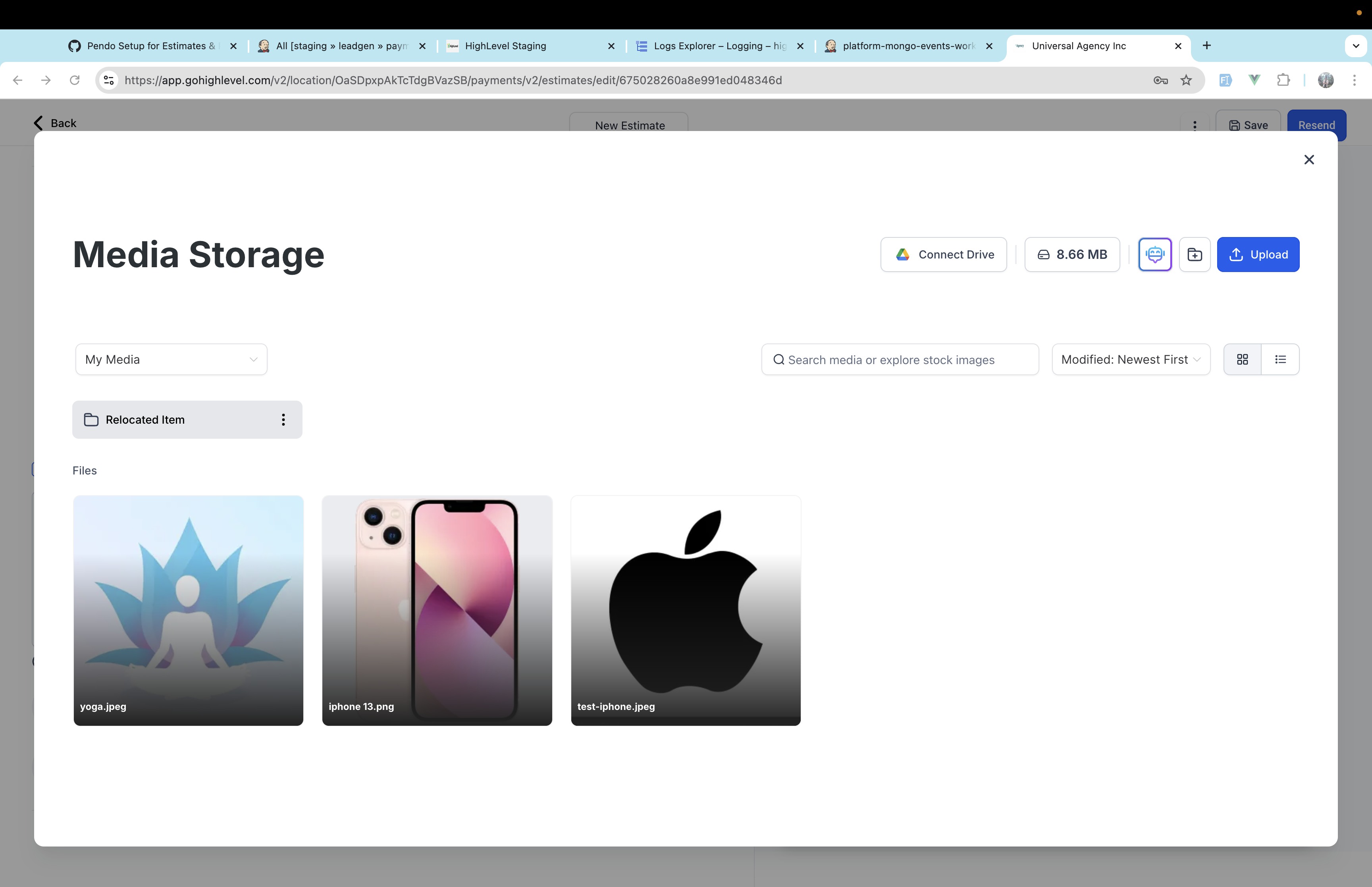 - Ensure that the total size of all attachments does not exceed 20MB.
 - Users will receive these attachments in the emails
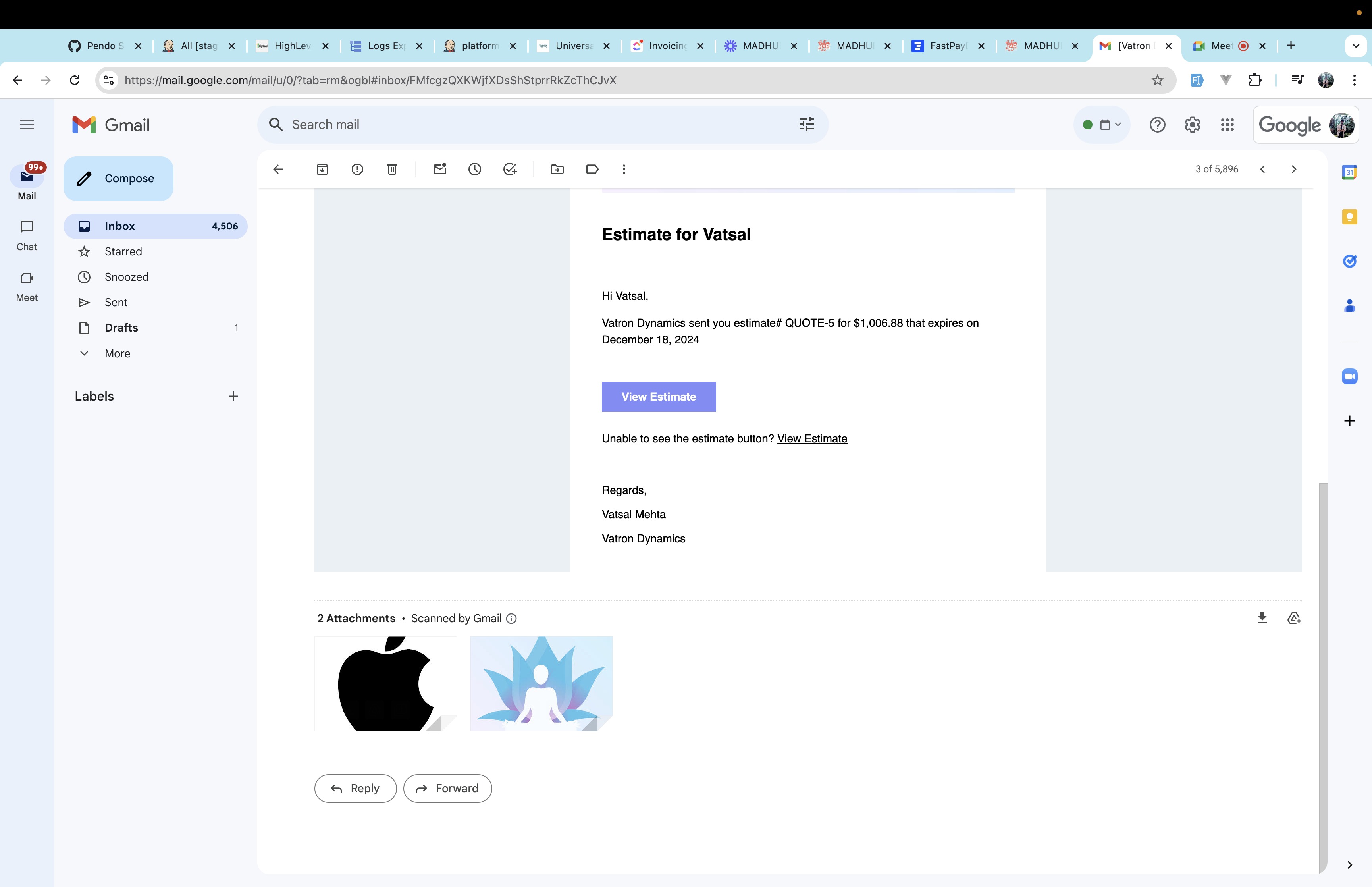 ## Why We Built It? - To streamline sharing of detailed and supporting documents with clients.
 - Provides a professional, comprehensive package within the estimate.
- Helps users communicate clearly, avoiding back-and-forth exchanges for additional details. Note: Attachments are only sent when the invoice is sent for the first time and not for the ones that are subsequently scheduled. ## What’s Next? - Editing in recurring invoices
- Editing in invoices with payment schedules
- Reminder configurations within business hours Was this article helpful? That’s Great! Thank you for your feedback Sorry! We couldn’t be helpful Thank you for your feedback Feedback sent We appreciate your effort and will try to fix the article