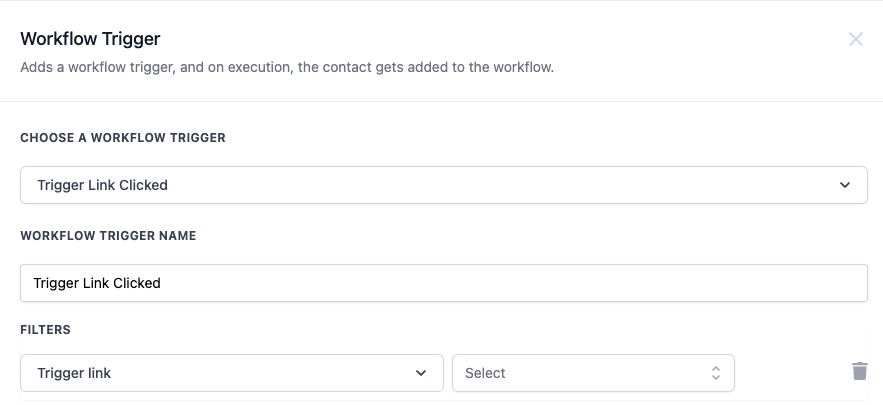
| Value | Description | Mandatory |
| Trigger link | Selects the specific link that will trigger the workflow when clicked by a contact. | Yes |
!(
https://assets.patientcopilot.ai/c0a624aafde3ad8d.png) ## Example You want to create a workflow that sends a follow-up email to contacts who click on a promotional link sent via email. -
Workflow Trigger Name: “Promo Link Engagement Follow-up”
- Filters: - Trigger link: “Spring Sale Promo” (Only clicks on this specific link will trigger the workflow) Workflow Steps: 1. Trigger: Trigger Link Clicked (as configured above)
- Action: Send Email - Send a follow-up email thanking the contact for their interest and offering a special discount.
- Action: Update Contact - Tag the contact as “Interested in Promo” to segment these users for future promotional campaigns. Was this article helpful? That’s Great! Thank you for your feedback Sorry! We couldn’t be helpful Thank you for your feedback Feedback sent We appreciate your effort and will try to fix the article