
Embed Media from Third-Party Platforms in Posts
<iframe...>). 4. Paste the iframe code in the Embed Media modal on the Post Edit Page.? Note: Width and height are automatically adjusted to fit your post layout, so you don’t need to modify the embed code. * * * ## ⚖️ Copyright & Usage Compliance > ❗ Reminder: You are responsible for ensuring you have the right to embed third-party content. Before embedding, confirm: - The content is public or permissioned for sharing. - You have the legal right to display the content. - You are complying with the source platform’s terms of service and usage guidelines.? Do not embed content that’s private, licensed without permission, or marked as non-shareable. * * * ##? Best Practices - Always test your post using the preview feature to ensure embeds load correctly. - Avoid shortened or redirected links; use official embed codes. - Educate your team on content licensing to avoid violations. Was this article helpful? That’s Great! Thank you for your feedback Sorry! We couldn’t be helpful Thank you for your feedback Feedback sent We appreciate your effort and will try to fix the article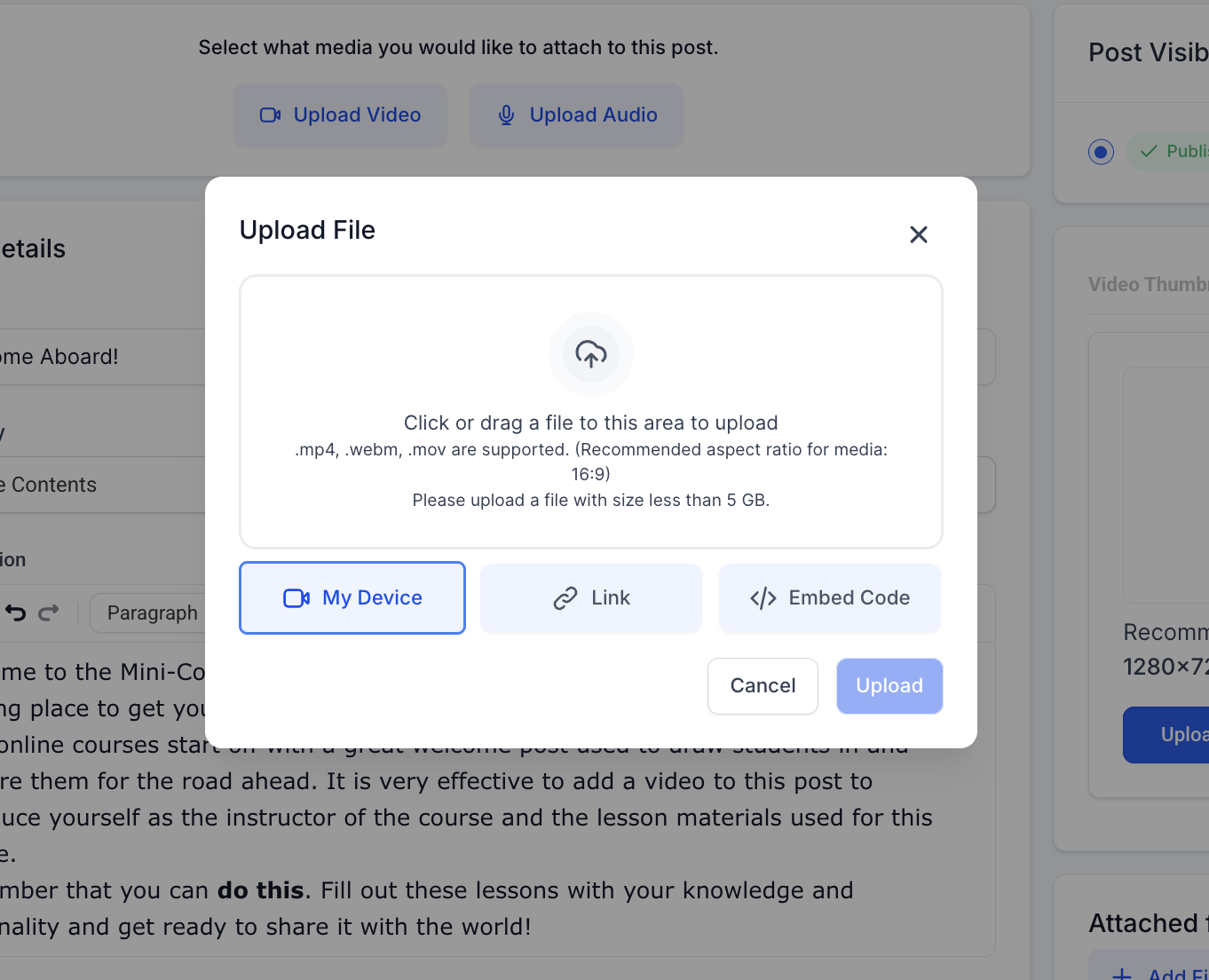!(https://assets.patientcopilot.ai/028be4ae1c7ef182.png)!(https://assets.patientcopilot.ai/8e5614da2d76b85d.png)