
Patient Copilot Listings
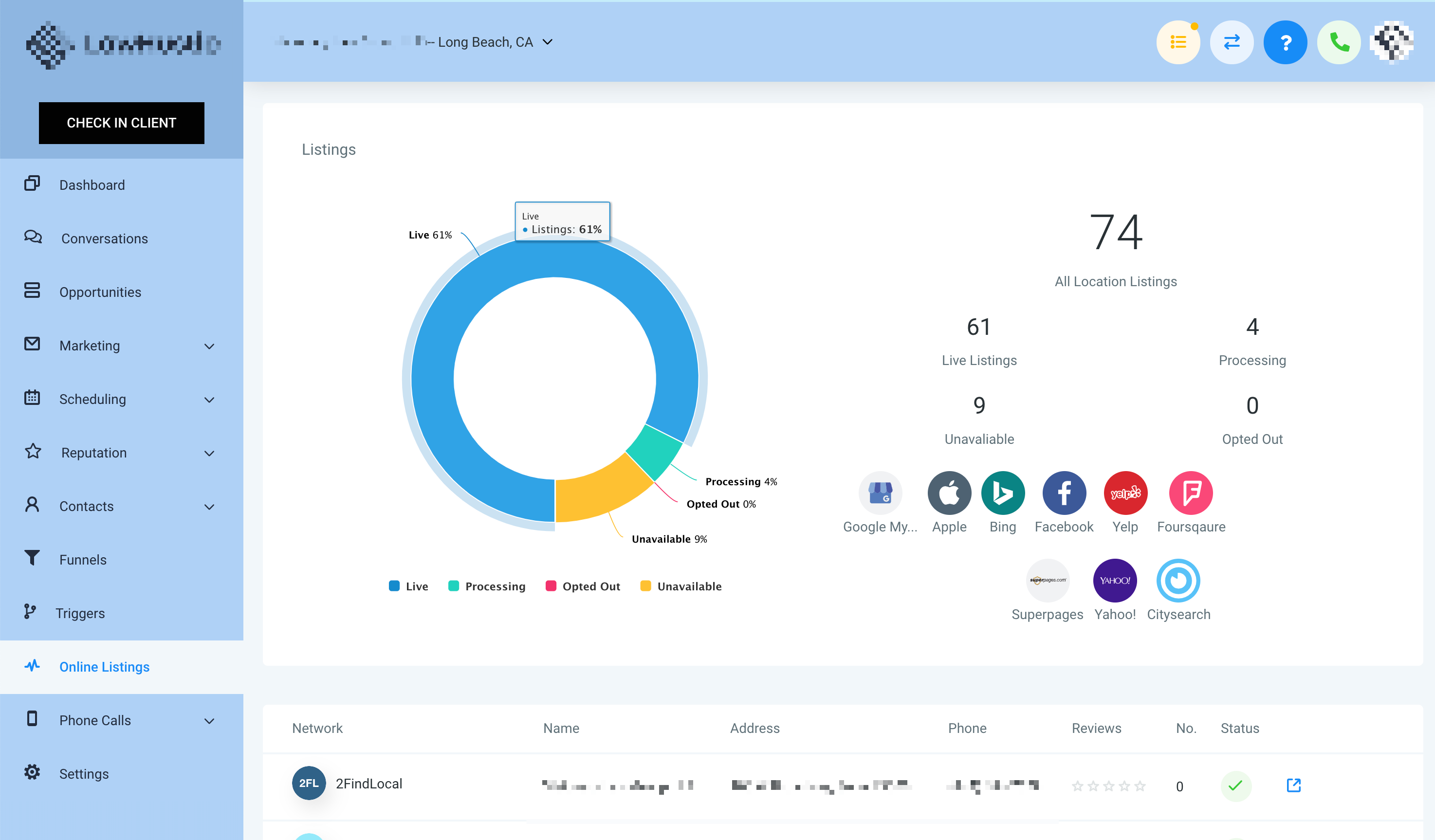
Patient Copilot Listings allows businesses to manage their local SEO by publishing consistent business information across multiple directories, including Google, Yelp, and Bing. This article explains how to activate, resell, and manage Listings directly within the Patient Copilot platform. * * * * * * ## What is Patient Copilot Listings? Patient Copilot Listings is a local SEO platform integrated into the Patient Copilot ecosystem. It enables agencies and businesses to sync accurate business information across multiple online directories—like Google, Bing, Yelp, and more—ensuring greater visibility and local search accuracy. Keeping business information consistent across online directories is crucial for SEO and customer trust. Patient Copilot Listings centralizes this process, enabling agencies to manage and resell listing control while maintaining brand presence across multiple platforms from a single dashboard. * * * ## Key Benefits of Patient Copilot Listings Patient Copilot Listings enhances online visibility and simplifies the management of business data across multiple platforms. This feature is especially beneficial for agencies looking to offer a value-added SEO service. - Publish consistent business info across multiple platforms - Increase local search rankings and customer trust - Instantly push updates to all directories - Agencies can resell with markup and manage billing via Stripe - Customize by location or offer packages - Review and manage public suggestions from publishers * * * ## Cost Patient Copilot Listings offers flexible subscription options to suit different business needs and cash flow preferences. - Smart Saver Plan (6 months) - Annual Advantage Plan (Yearly) * * * ## Getting Started To add Listings to your client’s accounts, log into your Agency Patient Copilot account, select the Marketplace from the left-hand sidebar, then click the “Find Out More” button under Listings Manager. * * * ## What It Will Look Like Once enabled for a location, the Listings tab on the left-hand side of the location account will look like this:!(https://assets.patientcopilot.ai/2b9730813d80f1ee.png) * * * ## Listing Sources ## !(https://assets.patientcopilot.ai/dfa27c745771a4b3.png) **!(https://assets.patientcopilot.ai/da180a2ebbe581eb.png)**!(https://assets.patientcopilot.ai/65d6da719e78709d.png)!(https://assets.patientcopilot.ai/d3f59d3c8292f4cc.png) * * * ## Frequently Asked Questions Q: Can I set my own price when re-selling Listings? Yes! Use Stripe SaaS config to set any markup price you want. Q: What happens if my client cancels Listings? Listings will stop syncing across publishers and show as canceled. Q: Can clients access the Listings Dashboard? Yes. Once activated, clients can log in to manage suggestions and updates. * * * ## Related Articles - Online Listing Overview & Setup Doc

**!(https://assets.patientcopilot.ai/65d6da719e78709d.png)!(https://assets.patientcopilot.ai/d3f59d3c8292f4cc.png)