Reputation Management: New Widget Types + Full AI Summary Control
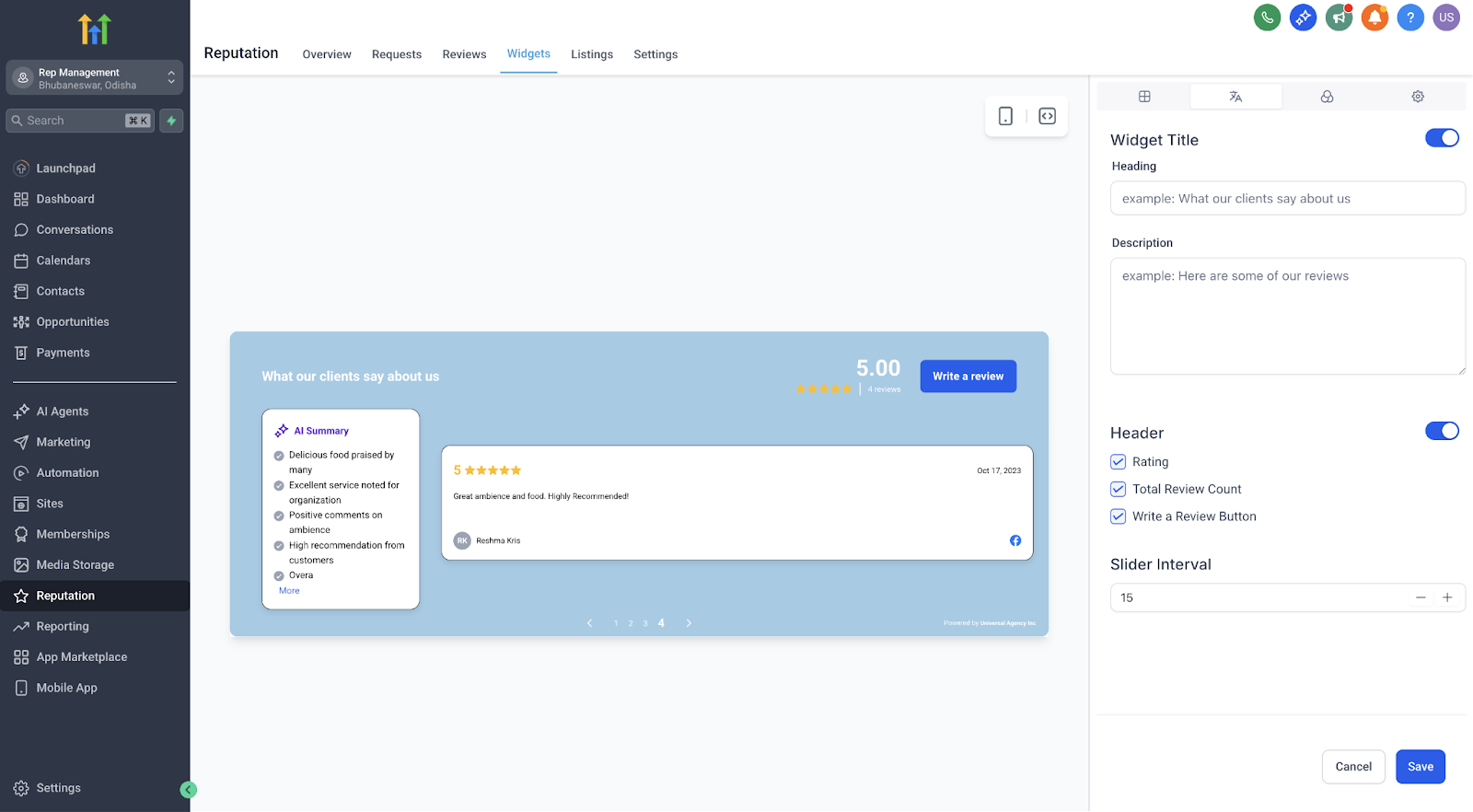
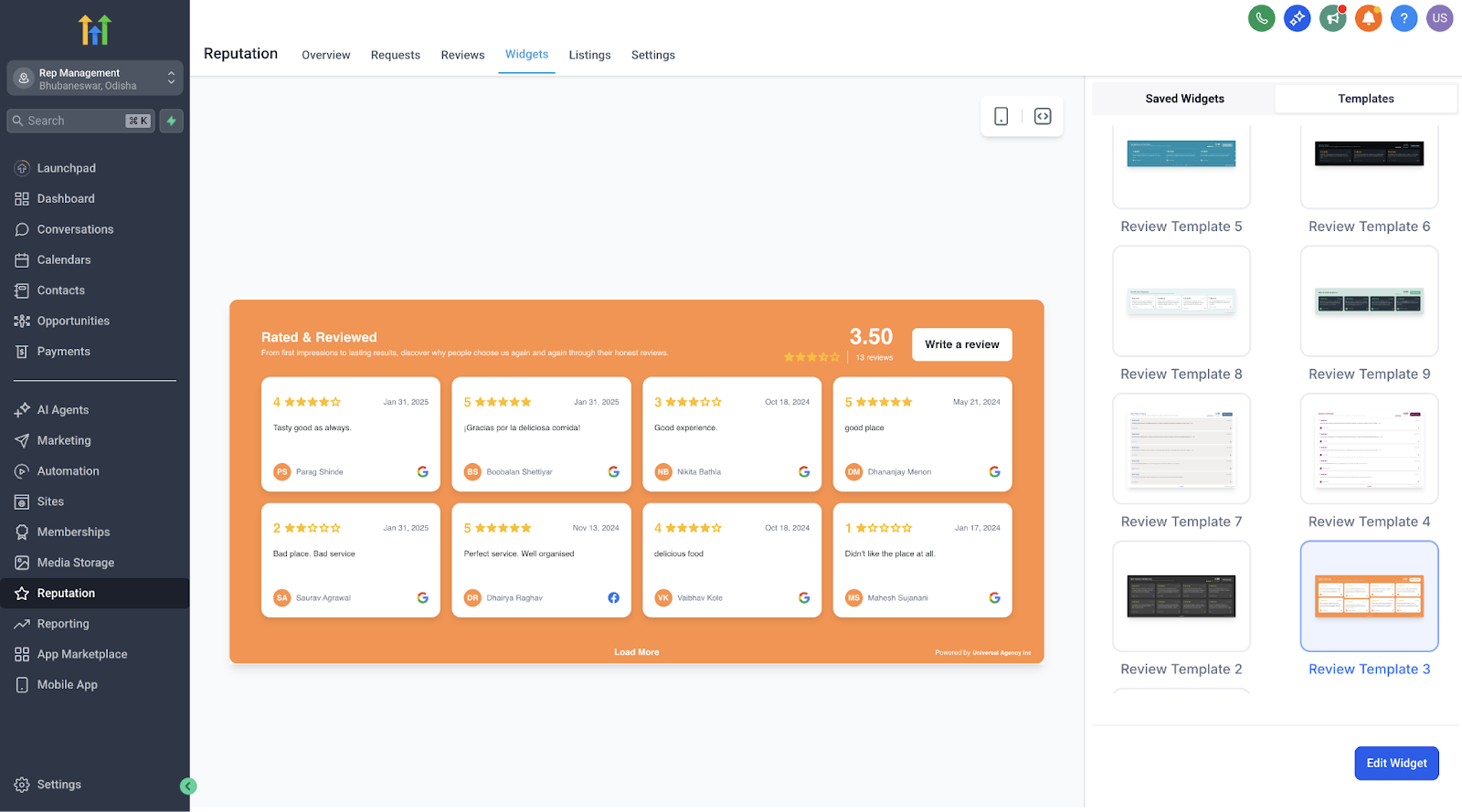
This article introduces new updates to review widgets, including the Floating Badge Widget, Slider Widget, advanced style customization, and fully configurable AI summaries — giving you more flexibility and control to showcase customer feedback in the most impactful way possible. ## AI Review Summaries — Now Fully Configurable You now have full control over AI-generated review summaries to help visitors quickly understand key points from longer testimonials. - Choose summary type: - Short (1–2 sentences) - Detailed (3–4 sentences) - Action Points (bullet format) - Decide placement: - Top of the review - Integrated within the review layout - Helps highlight the most important takeaways and increases readability.!(https://assets.patientcopilot.ai/b7324b34e22aed7a.png) ## Using the Template Library and Style Customization Choose from a growing library of beautifully designed templates or create your own custom design using the new visual style editor. - Quickly swap between plug-and-play templates without coding. - Customize colors for buttons, avatars, backgrounds, and summary text to perfectly match your brand. - See changes instantly with the built-in real-time preview. - No CSS or developer help needed.!(https://assets.patientcopilot.ai/094521b9c04e3dc3.png) Setting up and customizing your new review widget is quick and straightforward. 1. Go to Reputation → Widgets in your Patient Copilot account. 2. Select an existing template or start from scratch. 3. Choose your widget type: Floating Badge or Slider. 4. Set review rotation or slide intervals to match your site experience. 5. Choose your AI summary type and placement preferences. 6. Use the style editor to visually customize elements to fit your brand. 7. Preview your changes in real time. 8. Click Publish to activate your new widget on your site. ## Important Notes - These new widget options are fully optimized for faster loading and smoother performance across devices. - Design bugs and inconsistencies from previous versions have been fixed to ensure a more reliable display. - Once published, you can edit or update widgets anytime — no need to start from scratch. * * * ## Frequently Asked Questions Q: Can I use more than one widget on the same page? Yes! You can add multiple widgets (e.g., a Floating Badge and a Slider) to the same page to highlight reviews in different ways. Q: Do I need any coding knowledge to customize? No coding skills are required. All styling and customization are fully visual. Q: Can I change the widget type after publishing? Yes. You can switch between widget types and update designs at any time. Q: Will AI summaries update automatically if a review is changed? Yes. The summaries will dynamically adjust to reflect any edits to the original review. ## Next Steps - Create your first Floating Badge or Slider Widget and embed it on your website. - Test different AI summary configurations to see which format best engages your visitors. - Customize your widget styling to match your brand identity and improve overall site cohesion.