
How to Easily Replicate Documents and Contracts Setup Across Different Accounts
Documents and Contracts are now supported in Snapshots! Now, agencies can effortlessly save time during onboarding and ensure consistent Document templates across multiple locations. - Navigate to Account Snapshots in Agency View.
- Create a new snapshot and choose the source account.
- Save the snapshot.
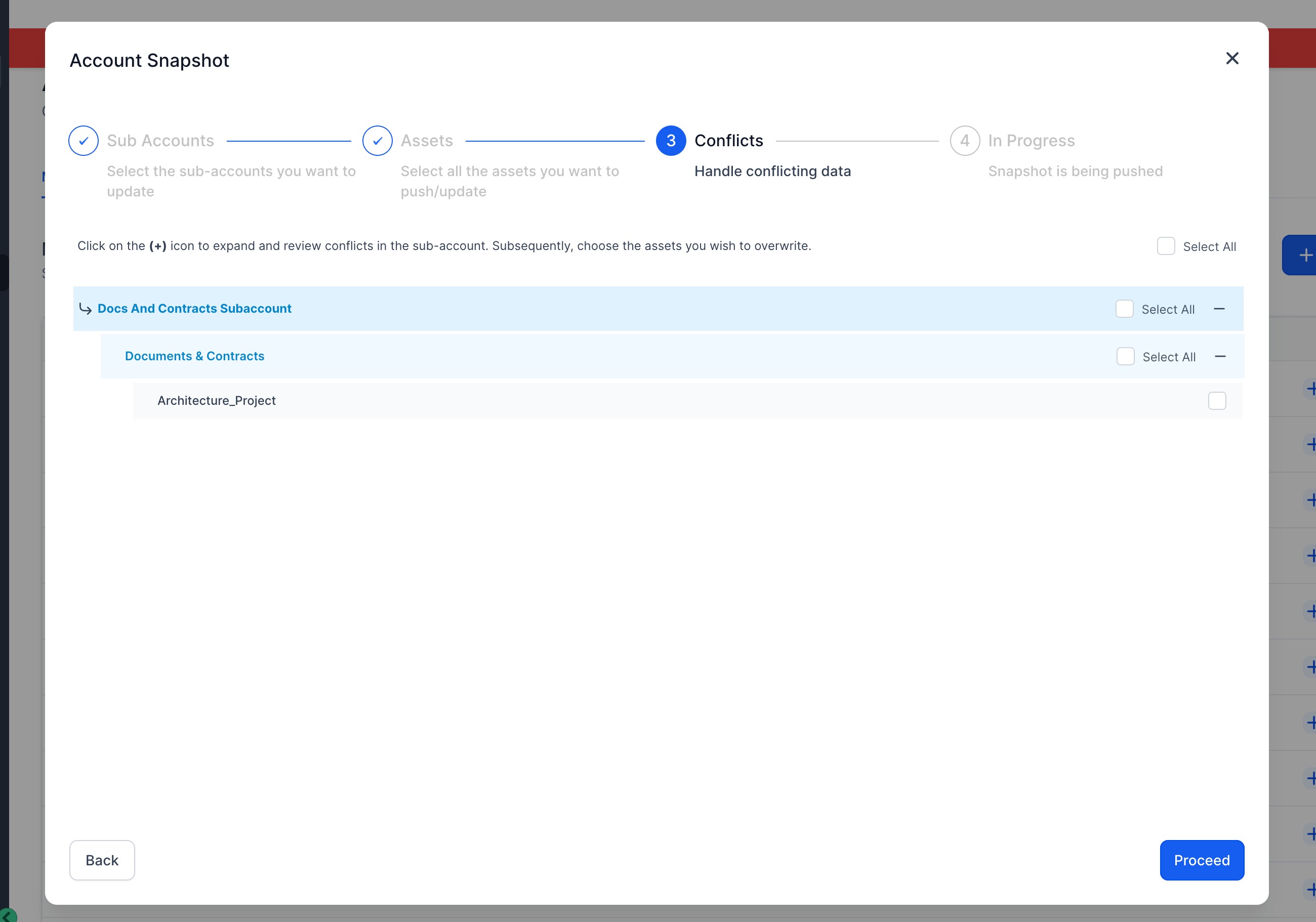
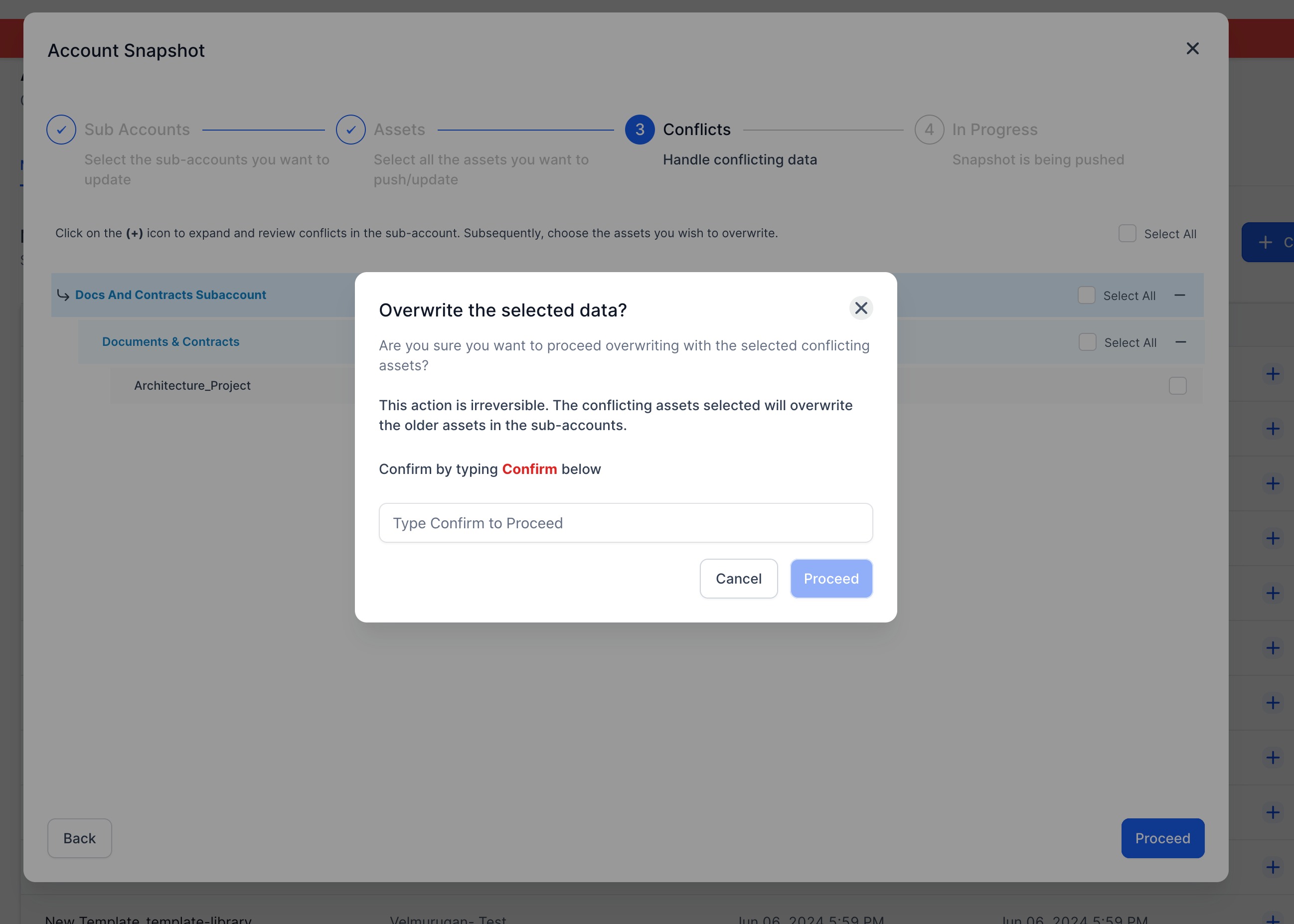
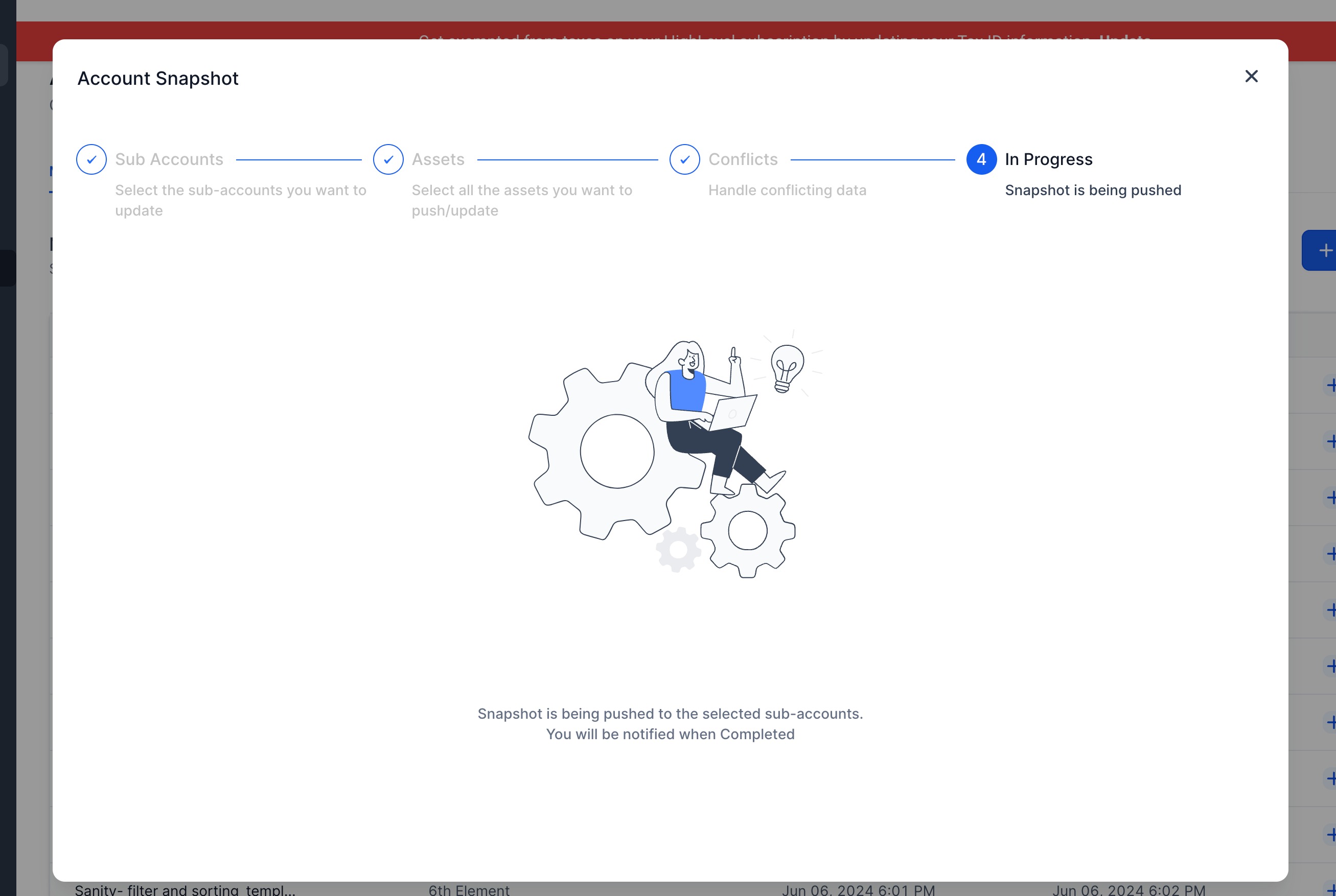
- Load the snapshot into the desired sub-account
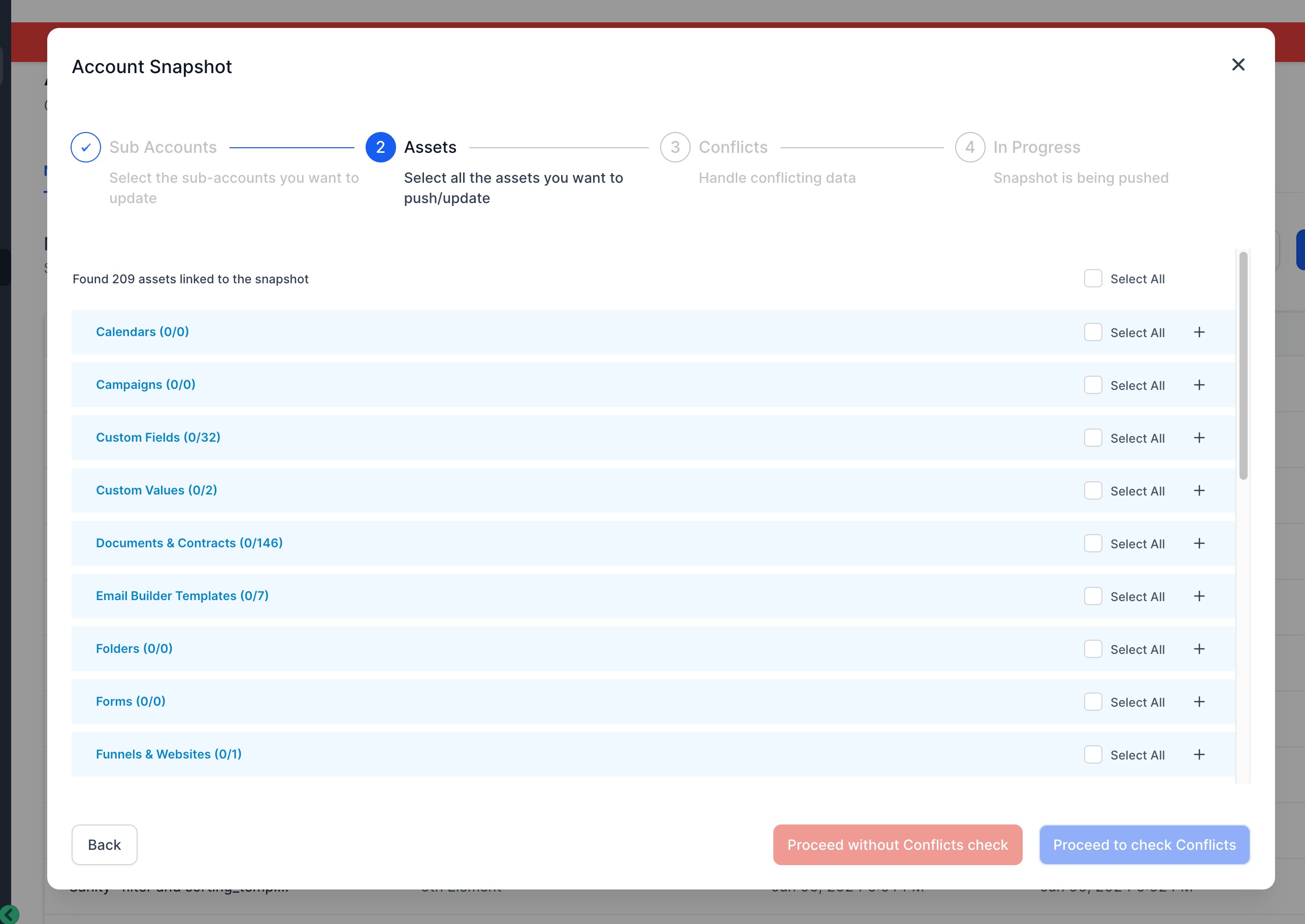
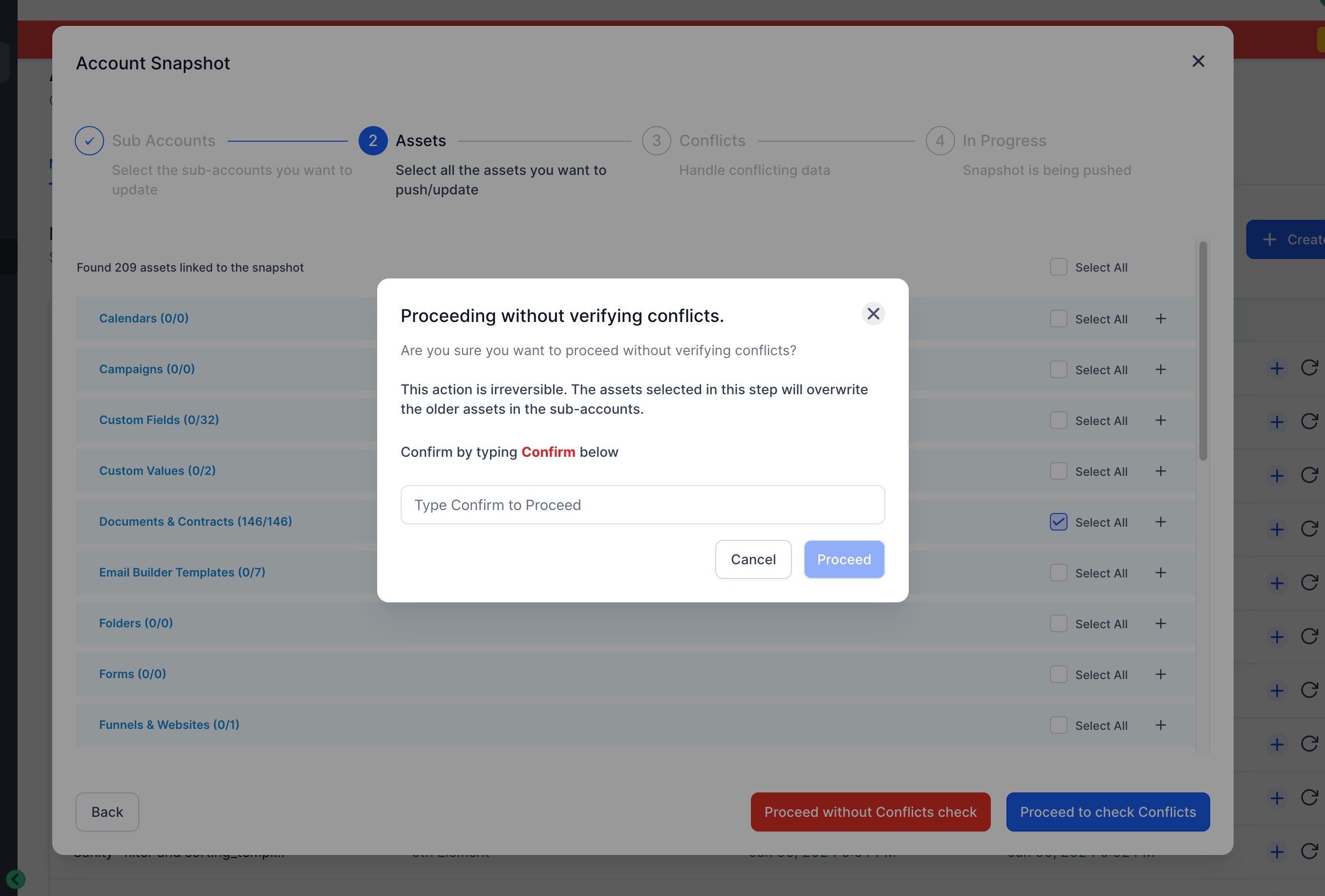
- Select all the Document Templates you want to load into the desired location
 - This feature streamlines the onboarding process for agencies, allowing them to easily replicate Document and Contracts setup across different accounts. With pre-configured document templates, agencies can ensure a consistent user experience and quickly provide basic templates to their clients. Was this article helpful? That’s Great! Thank you for your feedback Sorry! We couldn’t be helpful Thank you for your feedback Feedback sent We appreciate your effort and will try to fix the article