
Business Profile Settings - Business Physical Address
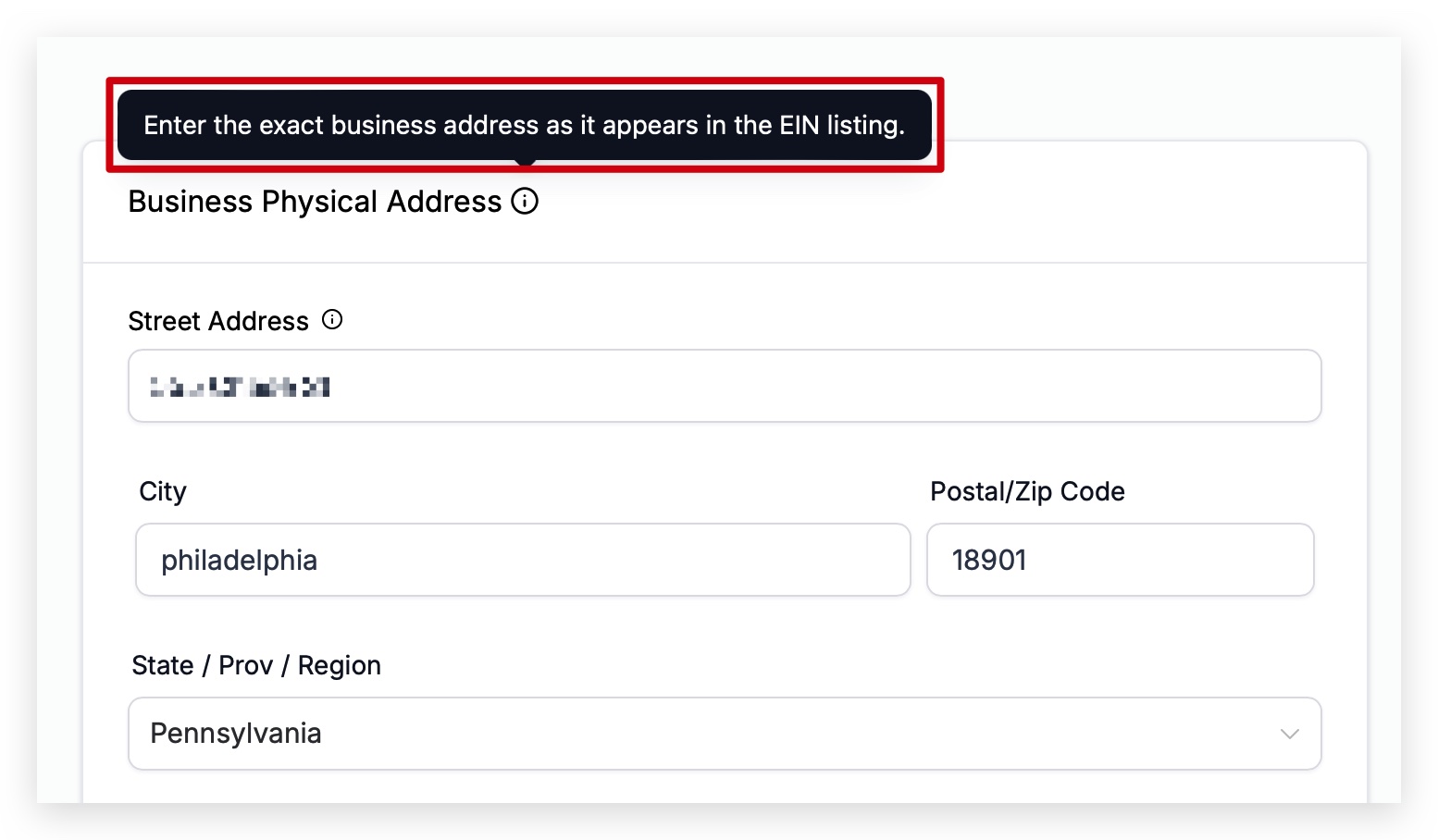
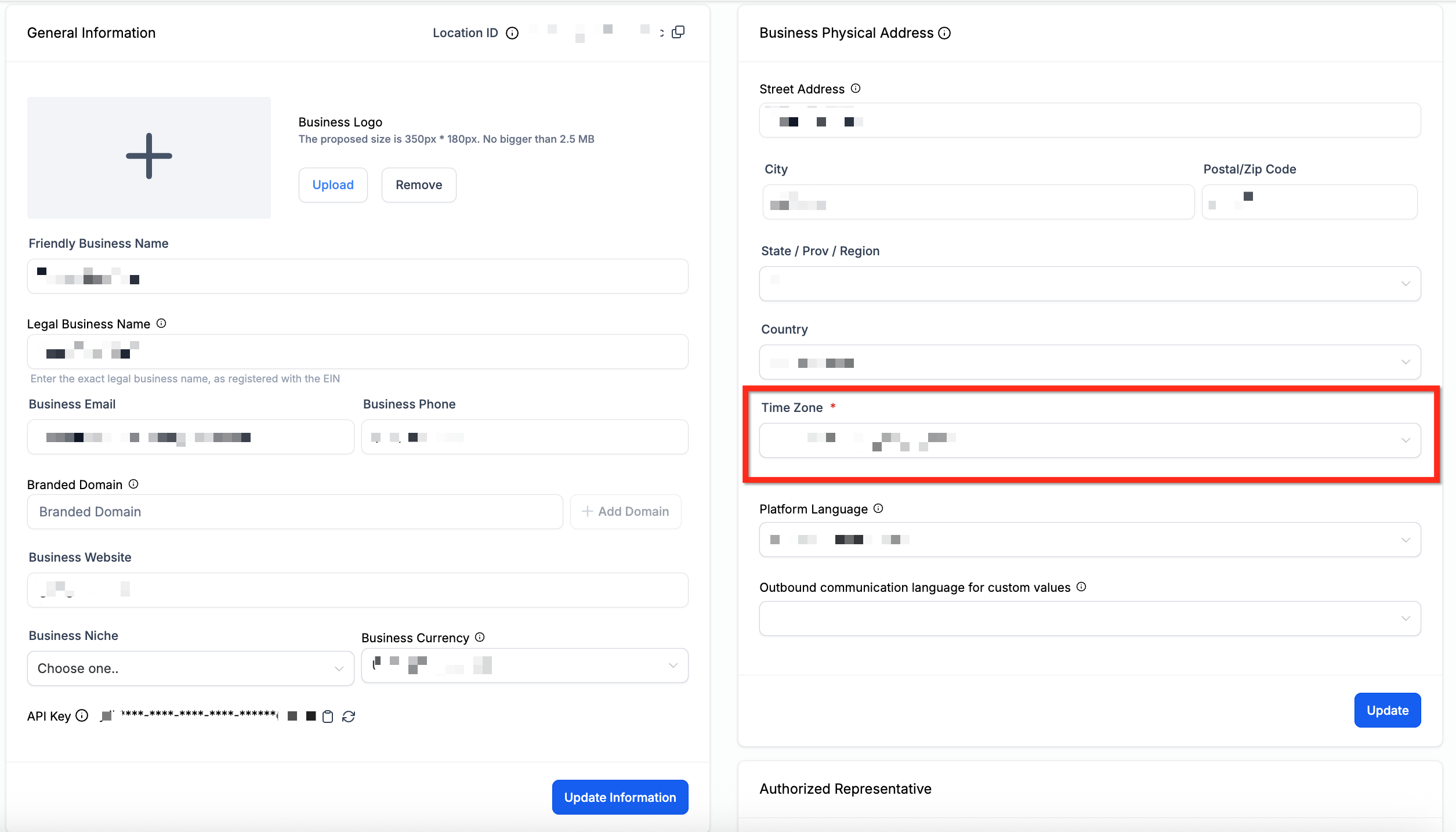
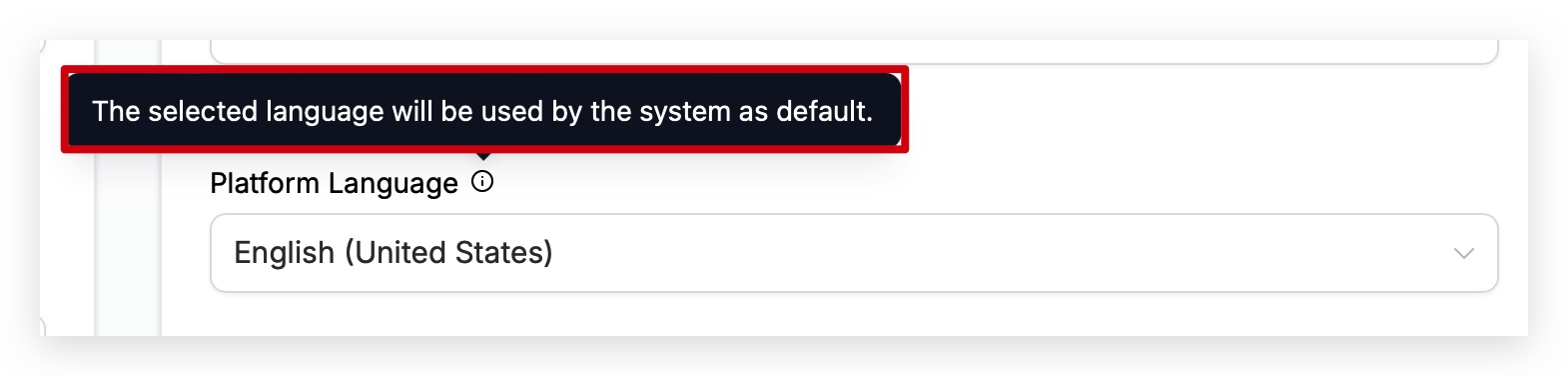
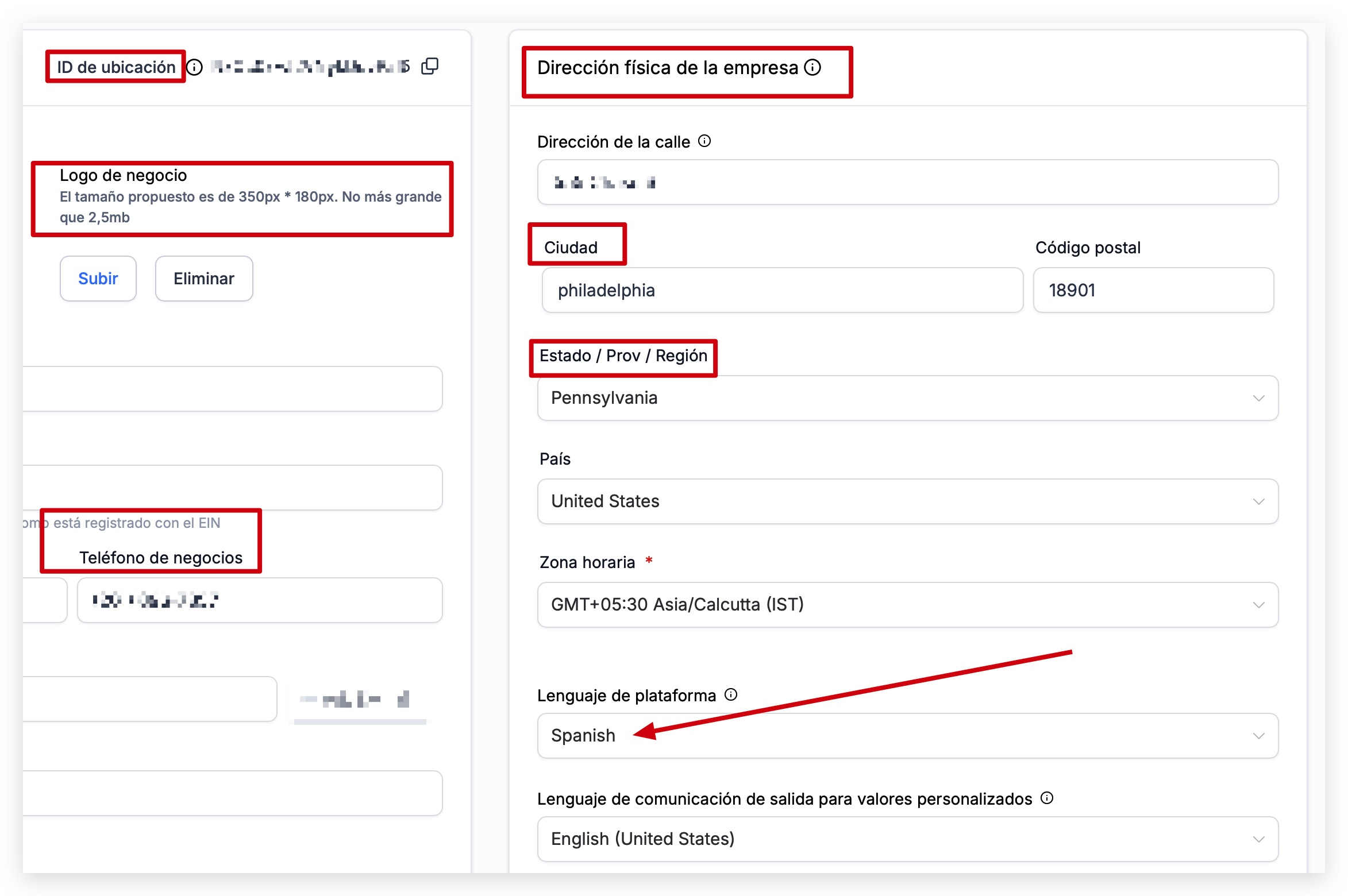
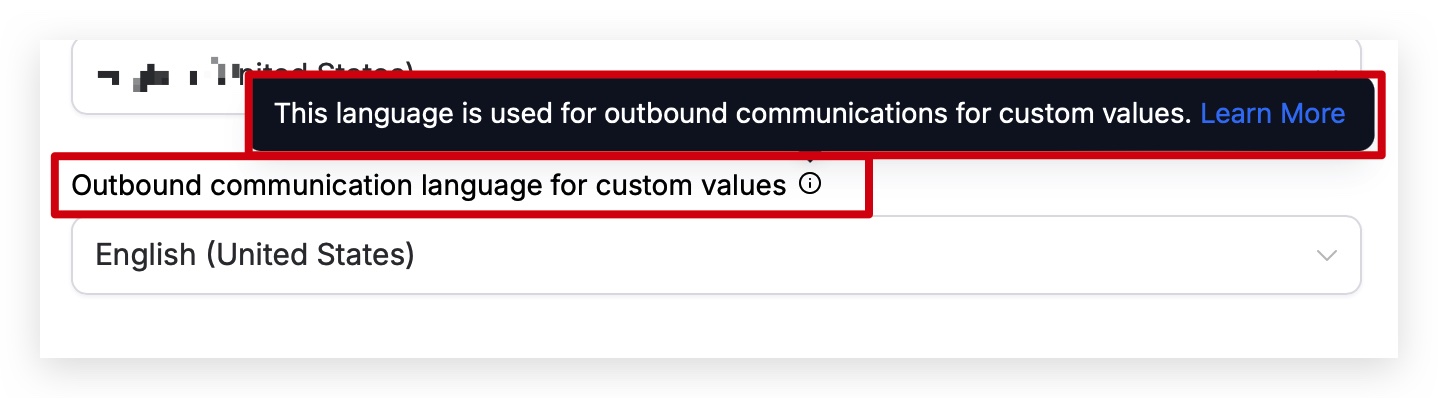
Your Business Physical Address is a very important component of your Business Profile. This information not only can be used when verifying your business for certain features that may need verification, but it can also be used when adding Custom Fields and Custom Values in messages, social posts, email campaigns, websites, and even funnels. To learn more about the Business Profile Settings, including how to navigate to the settings panel, see: Business Profile Settings Overview * * * ## Business Physical Address The Business Physical Address should match the address on your EIN listing. This information may be used to verify your business if needed.!(https://assets.patientcopilot.ai/33c0179e41232b7c.jpg) * * * ## Time Zone Automated events within campaigns work with this field to determine when to send. You may be able to override this default timezone setting depending on the feature being used, such as workflows or email campaigns. Always check your business profile settings and the settings of the feature being used to make sure the correct time zone is selected.!(https://assets.patientcopilot.ai/7c46dff6f1d64e49.png) * * * ## Platform Language This setting controls what language your sub-account displays in. Meaning, if you speak and read English, you would want your Patient Copilot sub-account to be displayed in English. If you speak and read Spanish, you would most likely want your sub-account to be displayed in Spanish. Note: Checkout pages seen by payers inherit language from Platform Language. This affects hosted payment experiences across Invoices, Payment Links, Subscriptions, Manage Cards, Forms, and Course purchases.!(https://assets.patientcopilot.ai/478134d2d5f11ac0.jpg) You can see in the example below that we changed the “Platform Language” to Spanish, and all of the text in the application is now showing in Spanish!(https://assets.patientcopilot.ai/fd545e73292a49a6.jpg) * * * ## Outbound Communication Language for Custom Values When you are sending Custom Fields and Custom Values in messages, Patient Copilot needs to know how you want that information to be displayed to the person or persons receiving the message. Selecting the proper language here will make sure that when you send a message with Custom Fields or Custom Values, or use Custom Fields and Custom Values anywhere else such as in websites and funnels, that the correct language is being displayed.!(https://assets.patientcopilot.ai/dcaed7fa1e103d37.jpg) To see a list of the Custom Fields and Custom Values that are affected by changing the default language, take a look below. #### Supported Languages: - English
- Spanish
- French (France)
- French (Canada)
- Dutch
- German
- Portuguese (Brazil)
- Portuguese (Portugal)
- Italian
- Swedish
- Danish
- Finnish
- Norwegian #### Custom Fields and Custom Values: Below is a list of custom fields and custom values that are affected by changing the language in this setting. Please be aware that more may be added and affected in the future. We will do our best to update this list as needed: - {{appointment.start_time}}
- {{appointment.end_time}}
- {{appointment.only_start_date}} - {{appointment.only_end_date}} - {{appointment.only_start_time}} - {{appointment.only_end_time}} - {{appointment.month}} - {{appointment.month}} - {{appointment.day_of_week}} - {{right_now.time}} - {{right_now.day}} - {{right_now.day_of_week}} - {{right_now.month}} - {{right_now.month_english}} - {{right_now.month_name}} - {{right_now.middle_endian_date}} - {{right_now.little_endian_date}} - {{right_now.hour}} - {{right_now.hour_ampm}} - {{right_now.second}} - {{right_now.date}} * * * ## Related Articles - Business Profile Settings
- Business Profile Settings - General
- Business Profile Settings - Business Information
- Business Profile Settings - Authorized Representative
- Business Profile Settings - General
- Contact Deduplication Preferences
- Business Profile Settings - Enable / Disable Deprecated Features