Connect TikTok in Social Planner
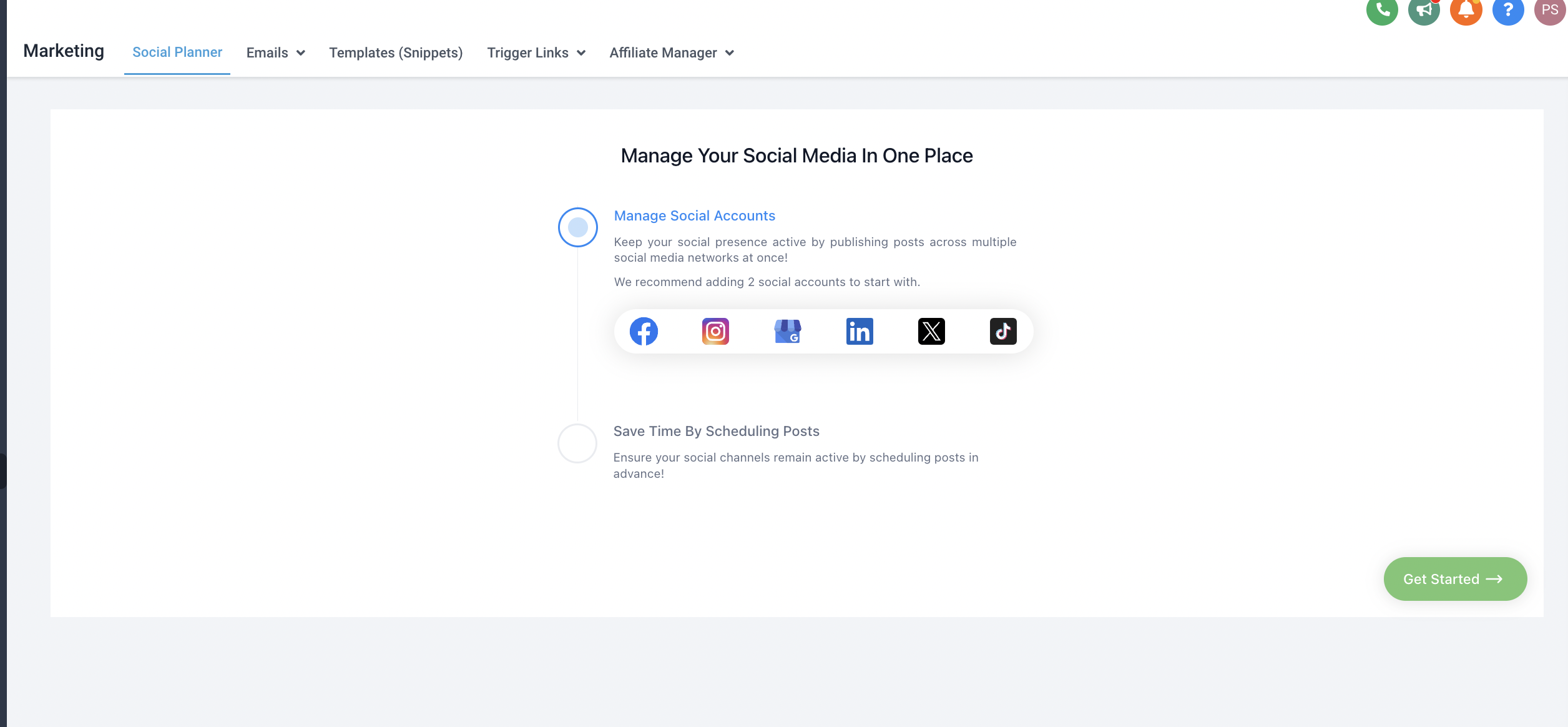
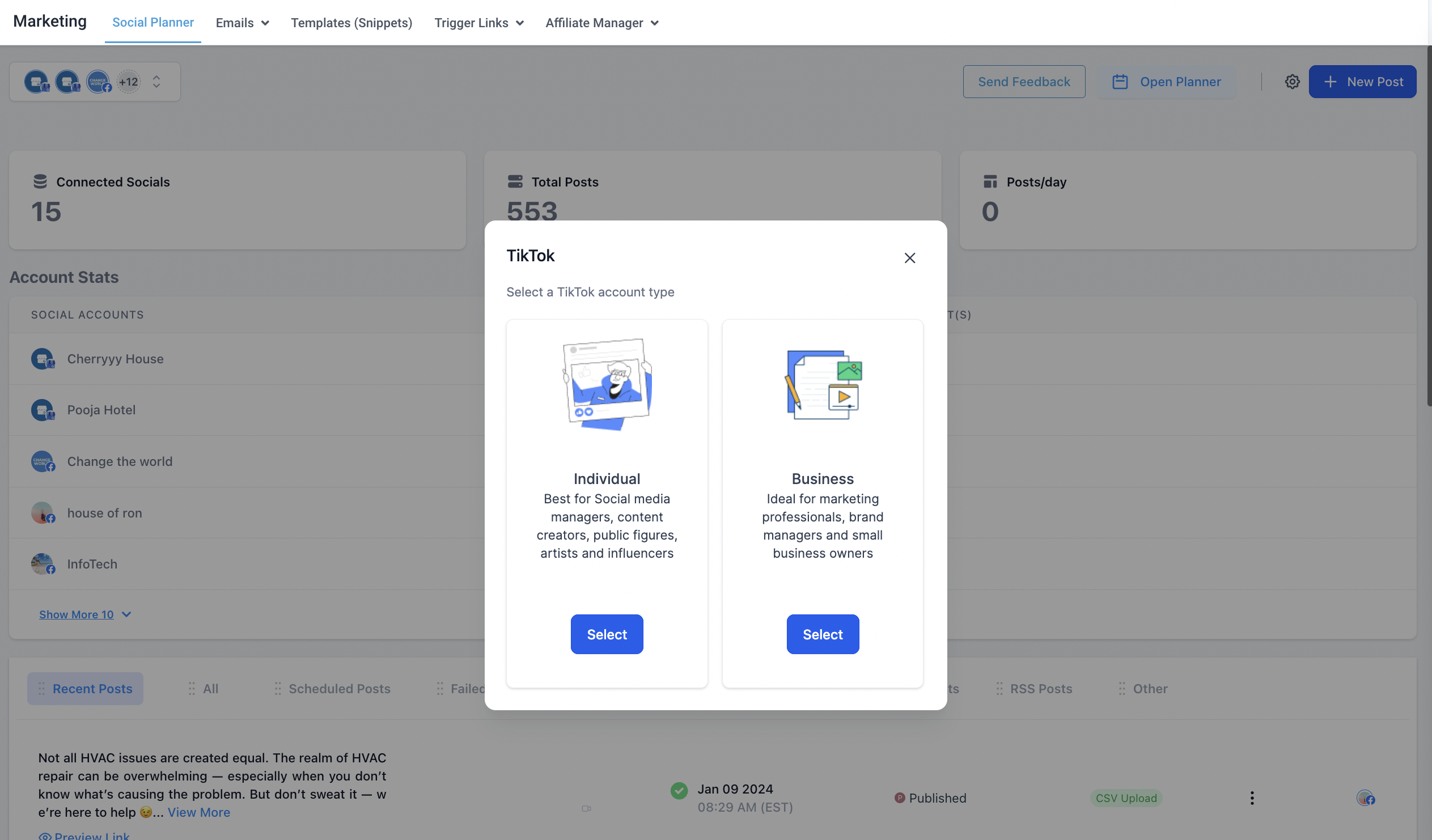
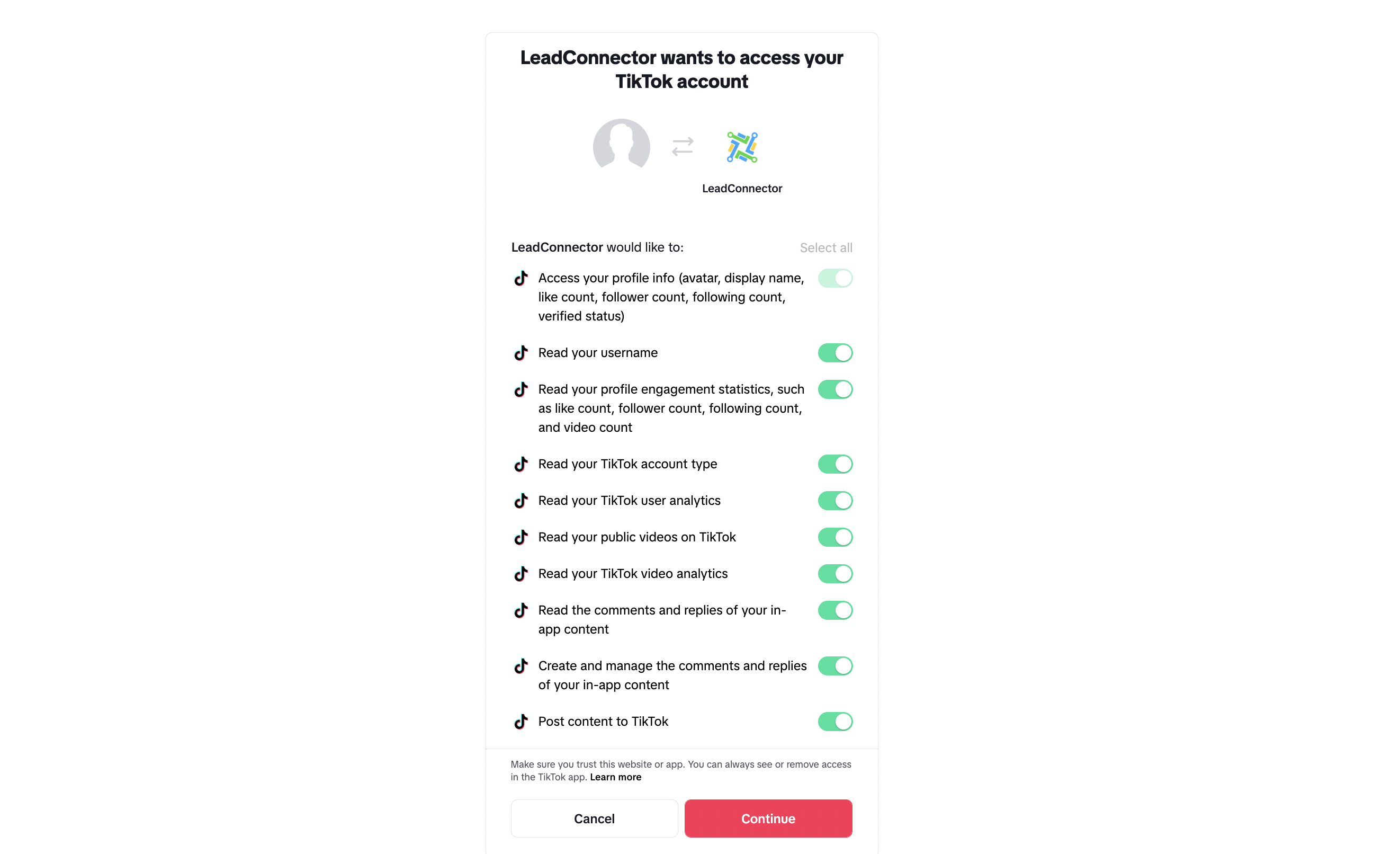
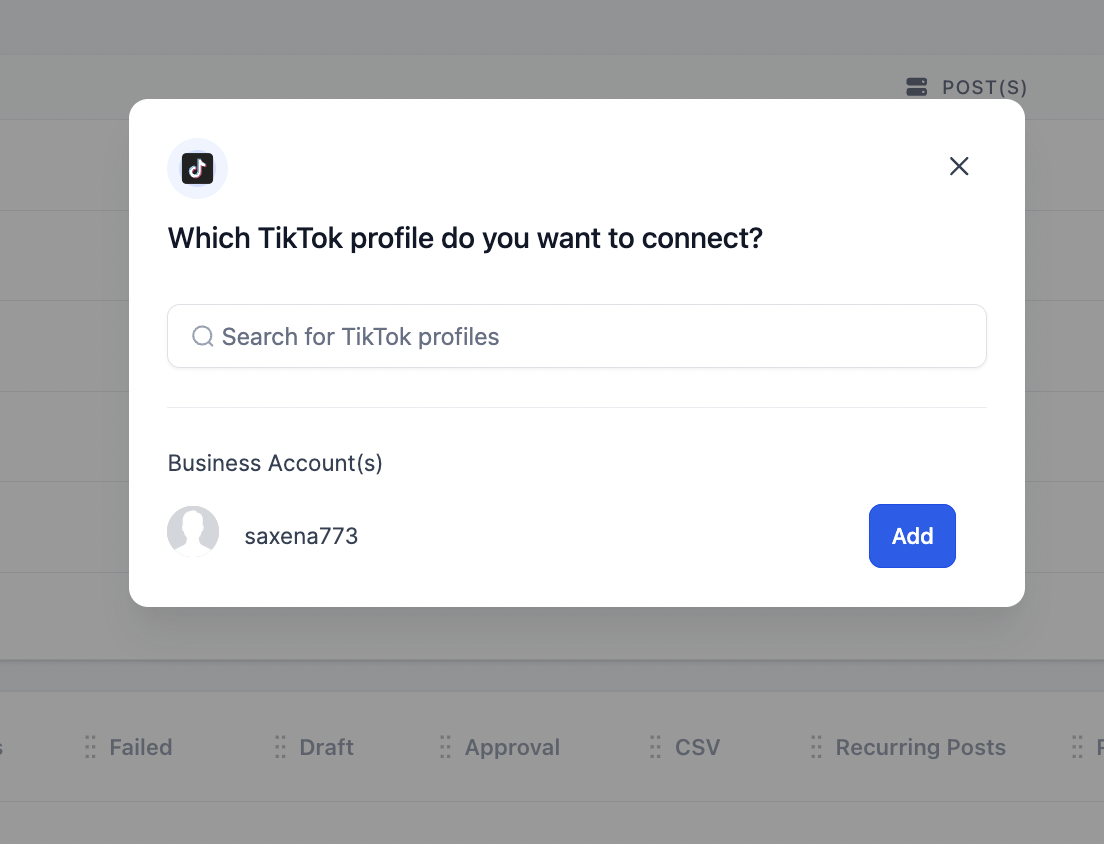
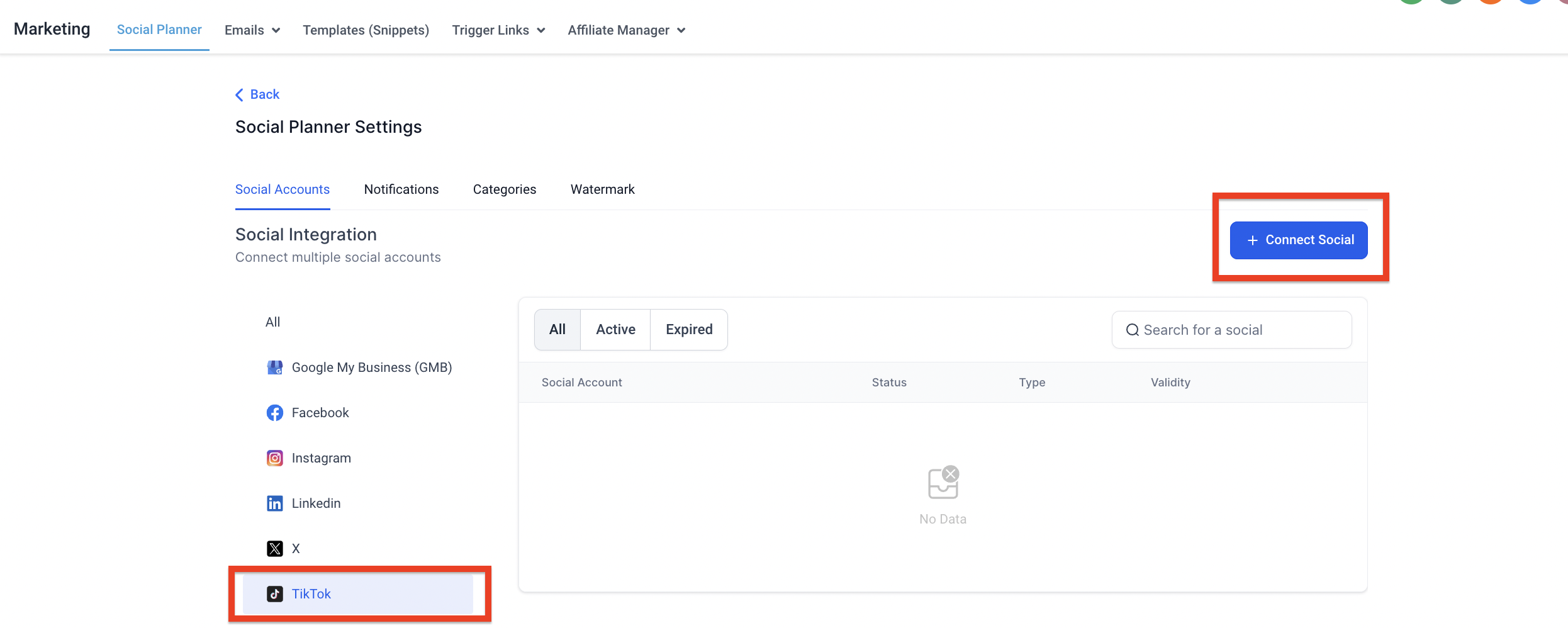
Social Planner allows users to connect TikTok personal or business accounts but to use Comment Management for TikTok in Social Planner, you must connect a TikTok Business Profile. * * * ## Connect TikTok Personal Account ### Step 1: First, log into the account, go to Marketing, and click on the Social Planner. ### Step 2: On Visiting Social Planner, there will be a wizard with connect option, or after visiting the overview!(https://assets.patientcopilot.ai/64f667c95bdc0359.png) of Social Planner will have a Setting option (Gear icon) OR!(https://assets.patientcopilot.ai/2d33320cc167fe59.png) ### St****ep 3: After clicking Add account, there will be an option to add the TikTok Personal or Business Account!(https://assets.patientcopilot.ai/a3d235ad7fdb1f3c.png) ### Step 4: Log into the TikTok Business or Personal Account to integrate for the social planner.!(https://assets.patientcopilot.ai/611fe621374a37f8.png) ### Step 5: Next step is to choose the TikTok account for the Social Planner!(https://assets.patientcopilot.ai/a9bd7d053e73ed77.png) ### Step 6: You can manage the accounts from the Setting Icon!(https://assets.patientcopilot.ai/ed3cb699217b0283.png) Was this article helpful? That’s Great! Thank you for your feedback Sorry! We couldn’t be helpful Thank you for your feedback Feedback sent We appreciate your effort and will try to fix the article